
Every time you shop online, check your bank balance, or send a message, you leave a trail of personal data behind. Cybercriminals are eager to capture that information, which is why understanding how cybersecurity protects personal information online has never been more important.
In this article, we break down the essential tools and habits that keep your data safe—from strong passwords and encryption to recognizing phishing scams. You’ll walk away with clear, practical steps you can apply today to protect your identity and peace of mind.
Introduction
Every time you browse a website, send a message, pay a bill, or open a social media app, you leave behind a trail of personal information. Names, addresses, phone numbers, passwords, financial details, and even your location can be collected, stored, and sometimes exploited. Cybersecurity is the set of practices, technologies, and habits designed to protect that information from unauthorized access, theft, and misuse. This article explores how cybersecurity protects personal information online with clear, practical guidance you can apply immediately.
Understanding the fundamentals of how cybersecurity protects personal information online helps you make informed decisions. You do not need to be a technical expert to benefit. Simple, consistent actions — like using strong passwords, recognizing phishing attempts, and keeping software updated — dramatically reduce your risk. Reliable information and consistent habits lead to better long-term outcomes, both for your digital privacy and your peace of mind.
Key Concepts
Before diving into specific tools and steps, it helps to understand a few core ideas that underpin all cybersecurity efforts.
- Confidentiality, Integrity, and Availability (CIA Triad): Confidentiality means only authorized people can view your data. Integrity means your data cannot be altered without detection. Availability means your data and services are accessible when you need them. Cybersecurity aims to balance all three.
- Authentication vs. Authorization: Authentication verifies who you are (e.g., a password or fingerprint). Authorization determines what you are allowed to do once identified (e.g., viewing your own bank statement but not someone else’s).
- Encryption: This converts readable data into unreadable code. Only someone with the correct decryption key can turn it back. Encryption protects data in transit (like when you shop online) and at rest (like files on your phone).
- Attack Surface: Every device, app, and online account you use adds to your attack surface — the total number of points where an attacker could try to break in. Reducing your attack surface (by deleting unused accounts, for example) lowers risk.
- Social Engineering: Many breaches start not with hacking code but with tricking people. Phishing emails, fake phone calls, and deceptive texts exploit human trust rather than technical flaws.
Understanding these concepts helps you see why certain habits matter. For instance, reusing passwords across sites means one breach can compromise many accounts — a direct violation of the confidentiality principle.
Deep Dive
Cybersecurity protects personal information through layers. No single tool is enough; instead, you build defense in depth. Here is how the layers work together.
Network security protects data as it travels. When you connect to a website using HTTPS, your browser and the site create an encrypted tunnel. Public Wi-Fi without a VPN is like shouting your credit card number in a crowded room. A virtual private network (VPN) encrypts all your traffic, making it unreadable to eavesdroppers.
Device security focuses on your phone, laptop, and tablet. Regular software updates patch known vulnerabilities. Antivirus and anti-malware tools detect malicious code. Full-disk encryption (built into most modern phones and computers) ensures that if your device is lost or stolen, your data remains unreadable without your passcode.
Account security centers on how you log in. Passwords are the weakest link because people reuse them or choose guessable words. Multi-factor authentication (MFA) adds a second step — like a code from an app or a hardware key — so even if your password is stolen, the attacker cannot get in. Password managers generate and store unique, strong passwords for every site, removing the burden of memorization.
Data security involves what you share and where it lives. Limit the personal information you post publicly. Review privacy settings on social media. Be cautious about granting app permissions (e.g., a flashlight app does not need access to your contacts). Regularly back up important data to an encrypted drive or a reputable cloud service.
Behavioral security is the human layer. Slow down when you receive urgent requests for money or login credentials. Verify the sender through a separate channel. Hover over links to see the real URL before clicking. These habits defeat most phishing attempts.
When these layers combine, an attacker needs to bypass multiple defenses. That is the essence of how cybersecurity protects personal information online — not perfection, but making the cost of attack higher than the potential reward.
Best Practices
Here are actionable steps you can take today to strengthen your personal cybersecurity.
- Use a password manager. Let it create and remember unique passwords of at least 16 characters for every account. You only need to remember one strong master password.
- Turn on multi-factor authentication everywhere it is offered — email, banking, social media, cloud storage. Prefer an authenticator app or hardware key over SMS codes.
- Update everything promptly. Enable automatic updates for your operating system, browser, and apps. Patches often fix security holes that attackers actively exploit.
- Think before you click. Treat urgent emails, texts, and calls with suspicion. Go directly to the company’s website instead of clicking links.
- Limit what you share. Avoid posting your full birth date, home address, or travel plans publicly. Adjust social media privacy settings to friends-only or stricter.
- Secure your home Wi-Fi. Use WPA3 encryption if available, change the default router password, and create a separate guest network for visitors and smart devices.
- Back up your data. Follow the 3-2-1 rule: three copies, on two different media, with one copy off-site. Test that you can restore from backups.
- Review app permissions and account access. Remove third-party apps you no longer use. Check which devices are logged into your accounts and sign out unfamiliar ones.
Consistency matters more than complexity. Doing a few of these habits every day beats a one-time security overhaul.
Step-by-Step Guide to Protecting Your Personal Information
Follow these five steps to build a practical, sustainable cybersecurity routine.
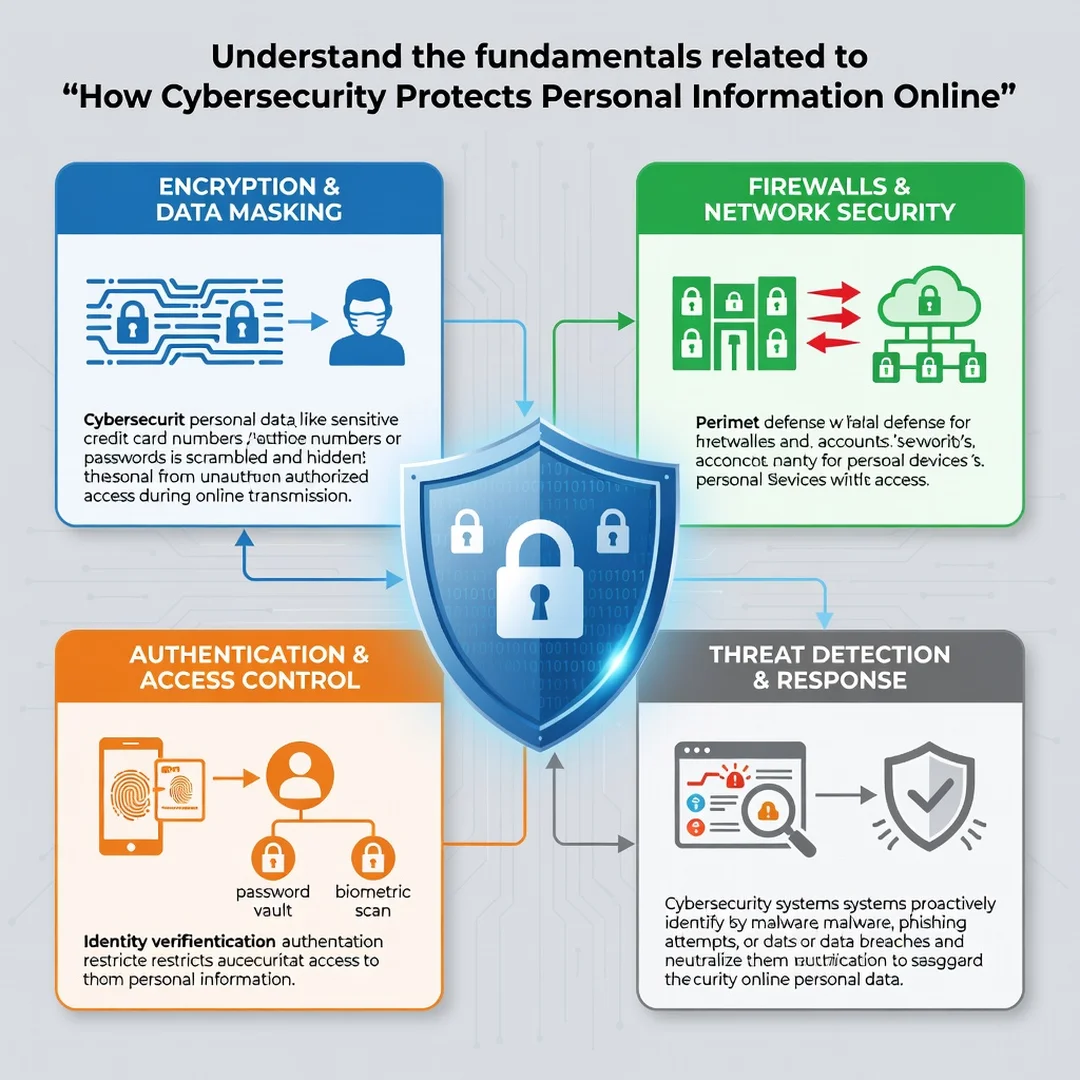
Step 1: Understand the fundamentals
Learn the basic terms and risks. Know what phishing looks like, why encryption matters, and what MFA does. This knowledge helps you evaluate advice you find online and avoid common scams. Spend 20 minutes reading a reputable guide or watching a short tutorial.
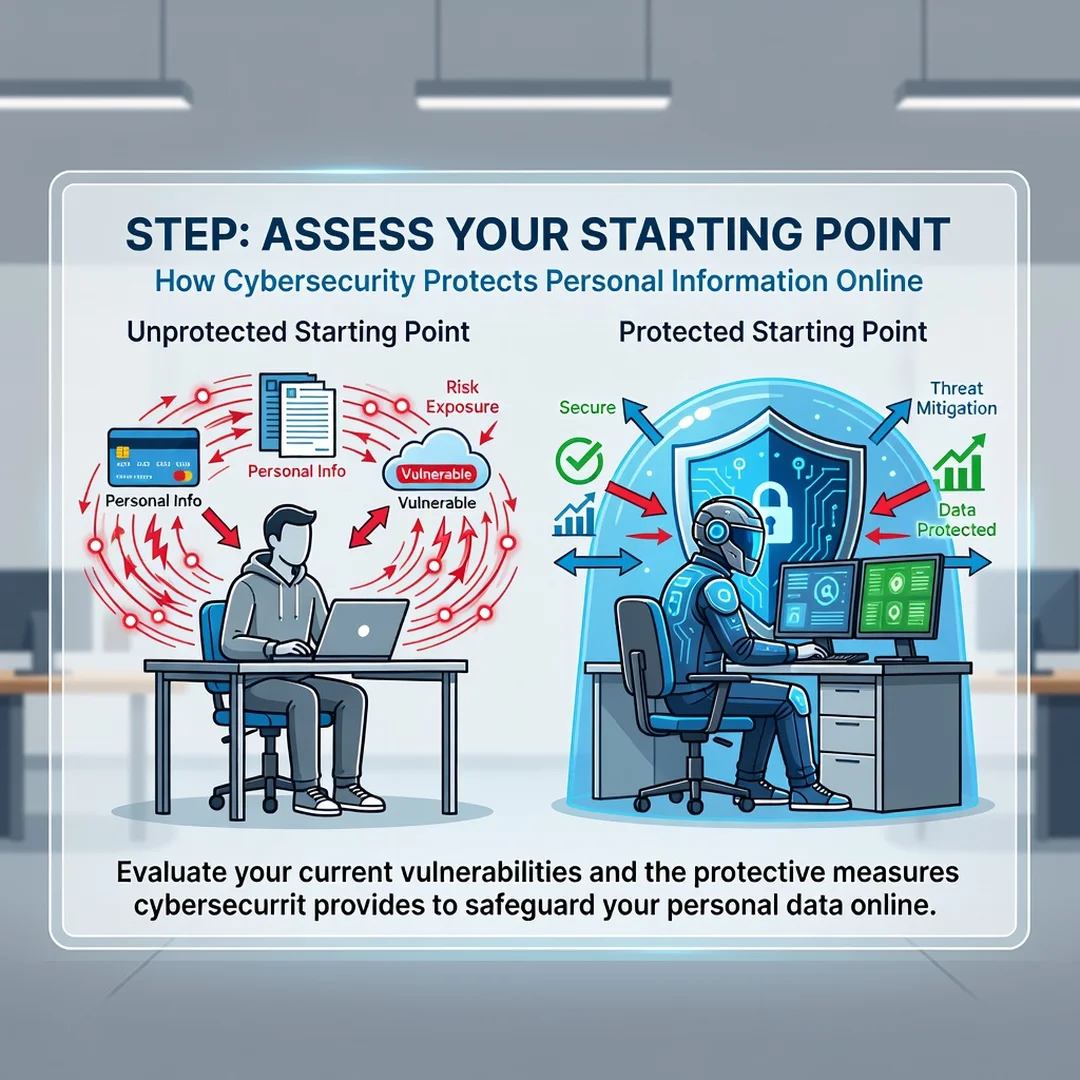
Step 2: Assess your starting point
Take inventory. List your online accounts, devices, and the types of personal data you store or share. Identify weak spots: reused passwords, no MFA, outdated software, or public social profiles. A simple spreadsheet or notes app works fine. Be honest — the goal is improvement, not judgment.
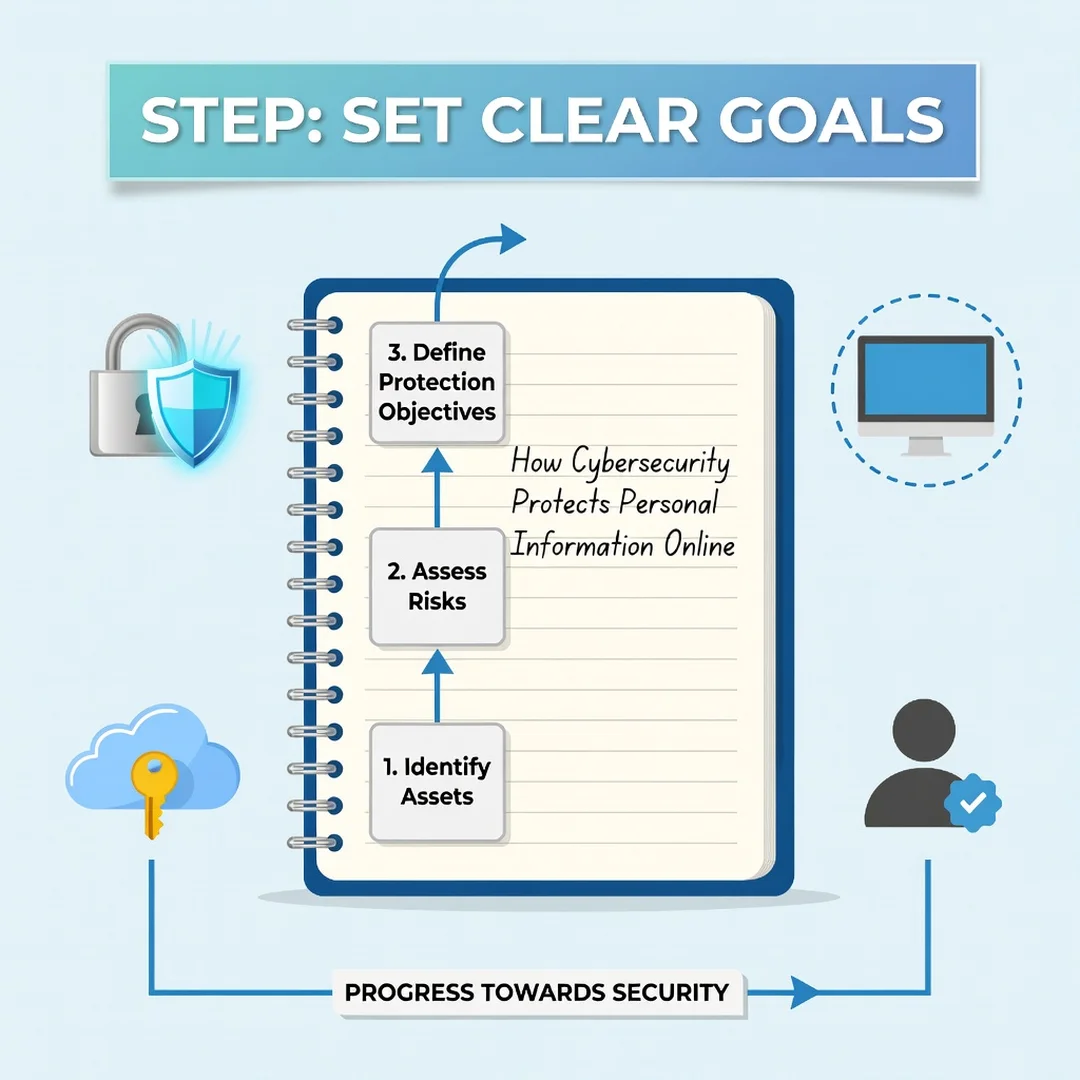
Step 3: Set clear goals
Choose two or three specific, achievable changes. For example: “Enable MFA on my email and bank account by Friday” or “Install a password manager and change my top five passwords this week.” Avoid vague goals like “be more secure.” Measurable targets keep you motivated.
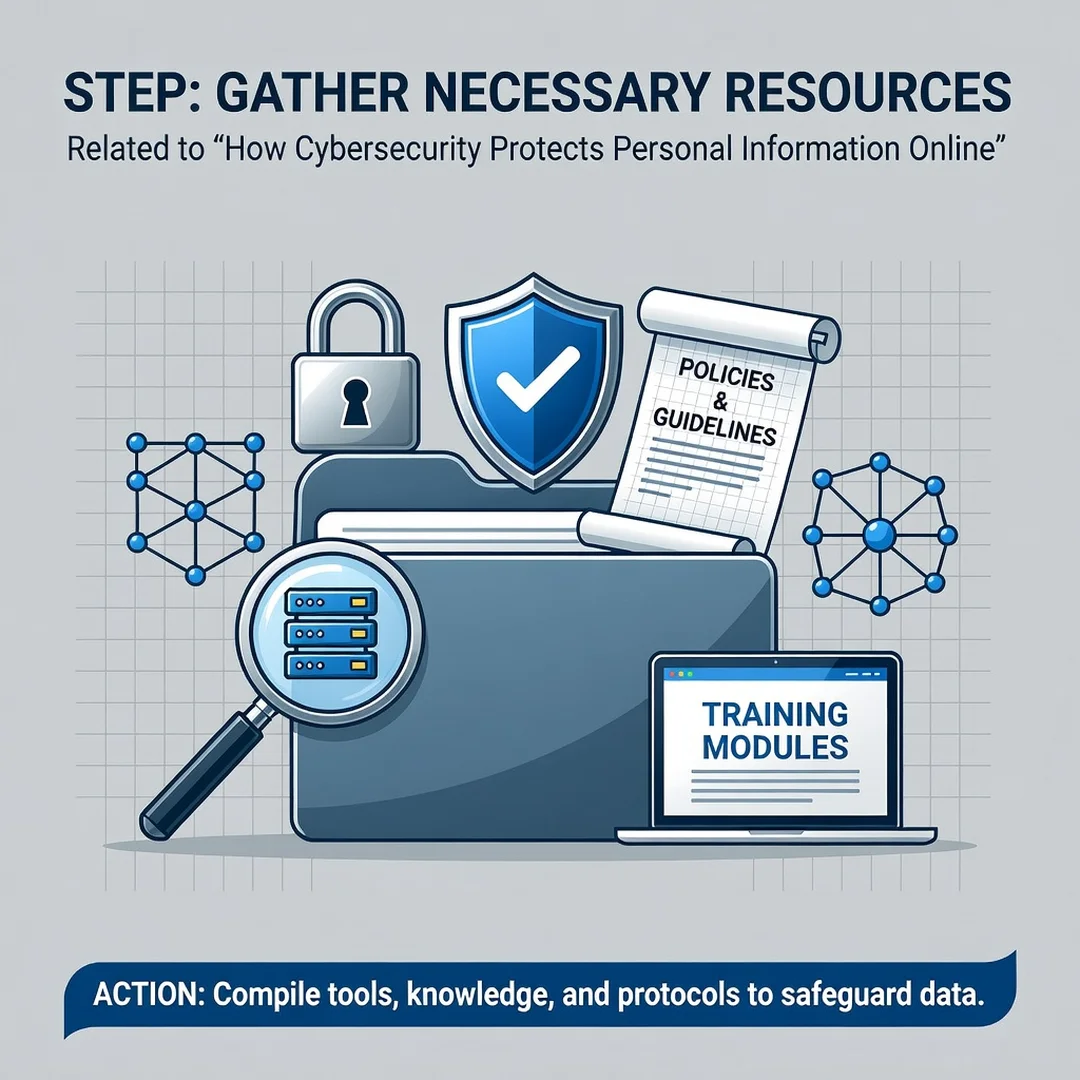
Step 4: Gather necessary resources
You need a few tools. A password manager (many are free or low-cost), an authenticator app (like Google Authenticator or Authy), and a reliable VPN if you use public Wi-Fi often. Also bookmark the official support pages for your bank and email provider so you can verify requests quickly.
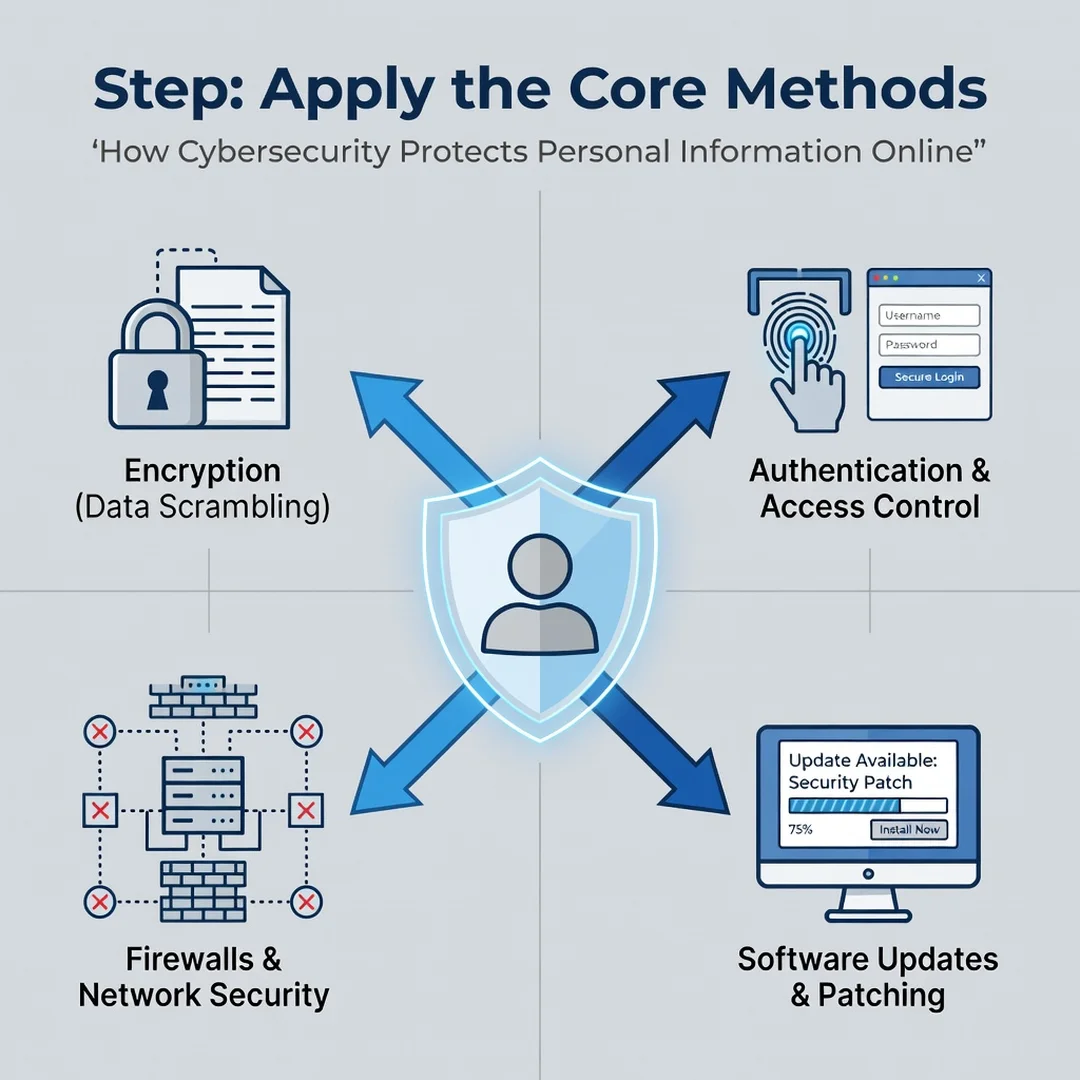
Step 5: Apply the core methods
Now execute. Install your password manager and start changing passwords, beginning with your most sensitive accounts (email, banking, cloud storage). Turn on MFA for those same accounts. Run software updates on all devices. Review privacy settings on social media. Set a monthly reminder to repeat key checks — new accounts, new permissions, new updates. Small, repeated actions create strong, lasting protection.
FAQ
What should I know about How Cybersecurity Protects Personal Information Online?
You should know that cybersecurity is not a single product but a set of layered habits and tools. The most important things to understand are: use unique passwords with a manager, enable multi-factor authentication, keep software updated, recognize phishing attempts, and limit how much personal data you share. These steps prevent the vast majority of common attacks. You do not need advanced technical skills — consistency is more important than perfection.
Who is this guide for?
This guide is for anyone who uses the internet — students, professionals, retirees, parents, and small business owners. It assumes no prior cybersecurity knowledge. If you have ever wondered whether your passwords are safe, how to spot a scam email, or what to do after a data breach, this information applies to you. The guidance is general enough for all readers but specific enough to act on immediately.
Conclusion
You now have a solid foundation for How Cybersecurity Protects Personal Information Online. Apply the best practices above and revisit this guide as your needs evolve.