
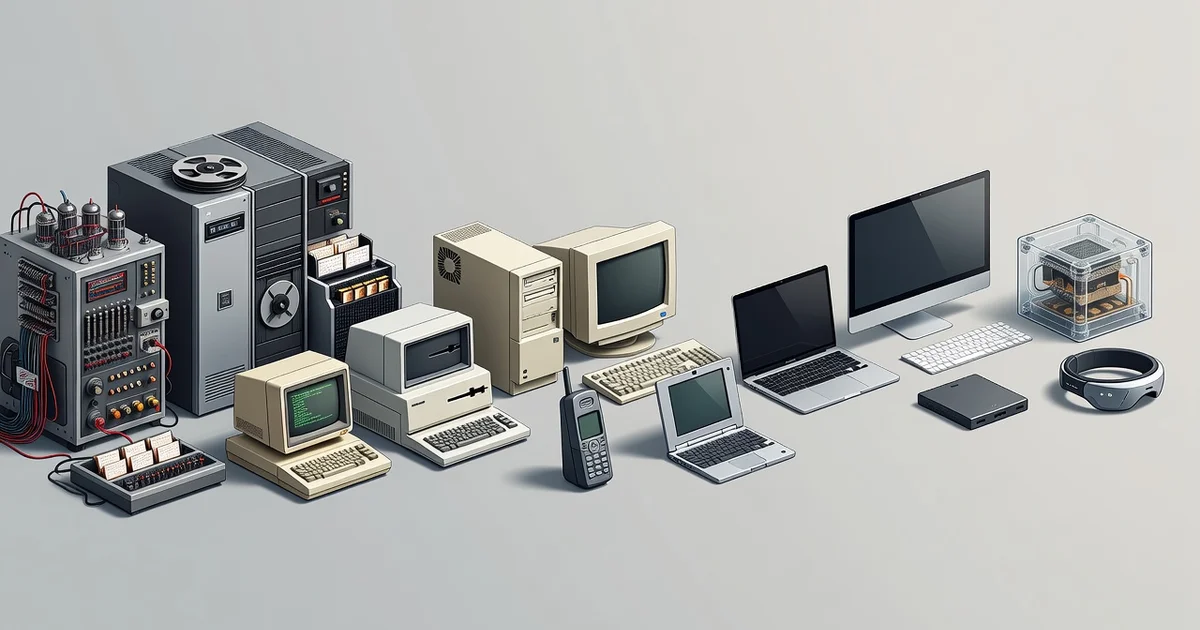
The evolution of computer hardware technology has transformed room-sized machines into devices that fit in your pocket. From vacuum tubes to silicon chips, each breakthrough has made computing faster, smaller, and more affordable for everyday users.
Understanding this journey isn’t just history—it helps you make smarter buying decisions today. This article walks you through the key milestones that shaped modern hardware, so you can recognize what truly matters when choosing your next device.
Introduction
Computer hardware has traveled an extraordinary path from room-sized machines built with vacuum tubes to pocket-sized devices containing billions of transistors. Understanding that journey is not just a history lesson — it is a practical framework for making better decisions today. Whether you are buying a laptop, upgrading a desktop, or planning infrastructure for an organization, knowing how hardware evolved explains why today’s components behave the way they do. This article explores The Evolution of Computer Hardware Technology with clear, practical guidance that you can apply immediately.
The core idea is simple: each generation of hardware solved a specific bottleneck, and those solutions shaped the standards we still use. When you recognize the pattern, product specifications stop being a wall of numbers and start telling a story about performance, cost, and trade-offs.
Key Concepts
Before diving into the timeline, it helps to anchor yourself in a few foundational ideas. Understanding the fundamentals of The Evolution of Computer Hardware Technology helps you make informed decisions, because every purchasing or upgrade choice is really a comparison between competing trade-offs.
- Processing: The CPU (central processing unit) executes instructions. Its evolution moved from single-core designs to multi-core, multi-threaded architectures, trading raw clock speed for parallelism.
- Memory: RAM provides short-term working space. Each generation — from magnetic core memory to DRAM and now DDR5 — increased speed and density while lowering cost per gigabyte.
- Storage: The shift from punched cards to magnetic tape, floppy disks, hard drives, and solid-state drives (SSDs) is a story of removing mechanical delays. SSDs eliminated moving parts, cutting access times from milliseconds to microseconds.
- Interconnects: Buses and interfaces such as PCIe and USB determine how fast components talk to each other. A fast CPU paired with a slow bus creates a bottleneck.
- Form factor: Physical size and power requirements drove the move from mainframes to desktops, laptops, smartphones, and embedded devices.
These five concepts recur in every era. When you evaluate any hardware, ask which of them is the limiting factor. That single question prevents most bad purchases.
Deep Dive
The evolution of computer hardware can be divided into recognizable phases, each defined by its dominant technology and the bottleneck it addressed.
The Vacuum Tube Era (1940s–1950s)
Early computers like ENIAC used thousands of vacuum tubes. They were enormous, consumed massive power, and failed frequently. The key lesson: reliability, not raw speed, was the limiting factor. Hardware design focused on redundancy and maintenance.
The Transistor and Integrated Circuit Revolution (1950s–1970s)
Transistors replaced tubes, and integrated circuits packed many transistors onto a single chip. This dramatically reduced size, power draw, and cost. Moore’s Law — the observation that transistor counts double roughly every two years — became the industry’s pacing rhythm.
The Microprocessor and Personal Computer (1970s–1990s)
Putting a CPU on a single chip enabled the personal computer. Standardized buses (ISA, then PCI) allowed modular upgrades. This era established the desktop tower model: buy a base system, upgrade components over time.
The Mobile and Multicore Era (2000s–2010s)
Clock speeds hit practical limits due to heat. The response was multicore processors and specialized chips for graphics (GPUs). Simultaneously, laptops and smartphones demanded low-power designs, pushing efficiency rather than raw clock speed.
The Accelerated and Heterogeneous Era (2020s–Present)
Today’s hardware mixes general-purpose CPUs with GPUs, neural processing units (NPUs), and specialized accelerators. Cloud computing abstracts hardware entirely for many users. The bottleneck has shifted from raw compute to memory bandwidth, power efficiency, and software optimization.
Across all phases, one pattern holds: hardware advances when a specific constraint becomes painful enough to justify investment. Recognizing the current constraint in your own setup is the fastest route to a meaningful upgrade.
Best Practices
Reliable information and consistent habits lead to better long-term outcomes. Use these guidelines to turn hardware knowledge into practical action.
- Identify the bottleneck first. Before buying anything, measure where your system slows down. A slow drive makes a fast CPU feel sluggish; more RAM will not fix a weak GPU.
- Match hardware to workload. Office work, gaming, video editing, and machine learning have very different demands. Buy for your actual tasks, not theoretical peak performance.
- Respect the power and thermal envelope. Every performance gain produces heat. Adequate cooling and a sufficient power supply prevent throttling and premature failure.
- Prefer standardized, upgradeable components. Standard interfaces like PCIe, SATA, and DDR memory extend a system’s useful life and reduce long-term cost.
- Plan for a three-to-five-year horizon. Hardware ages quickly. Buy slightly above your current needs to avoid replacing equipment too soon, but avoid paying a premium for capacity you will never use.
- Keep firmware and drivers current. Manufacturers often release updates that fix bugs and improve performance. This is free performance and stability.
- Back up before you upgrade. Firmware updates and hardware changes carry small but real risks. A current backup makes any mistake recoverable.
Step-by-Step Guide
Follow this sequence to apply the evolution lessons to your own hardware decisions.
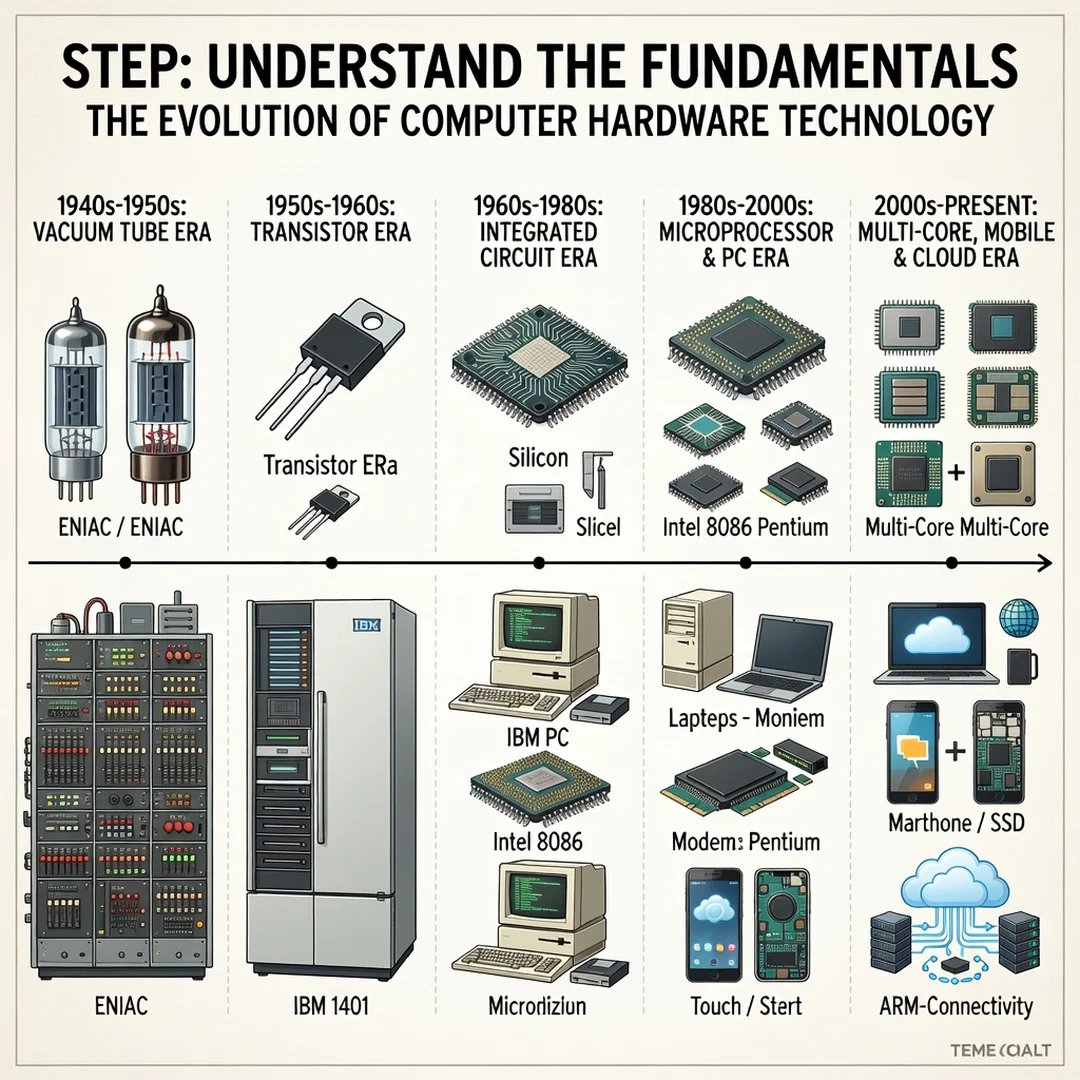
Step 1: Understand the fundamentals
Learn what each component does: CPU for computation, RAM for active data, storage for persistence, and the motherboard and buses for communication. Write down a one-sentence role for each. This vocabulary lets you read specifications and reviews critically instead of relying on marketing claims.
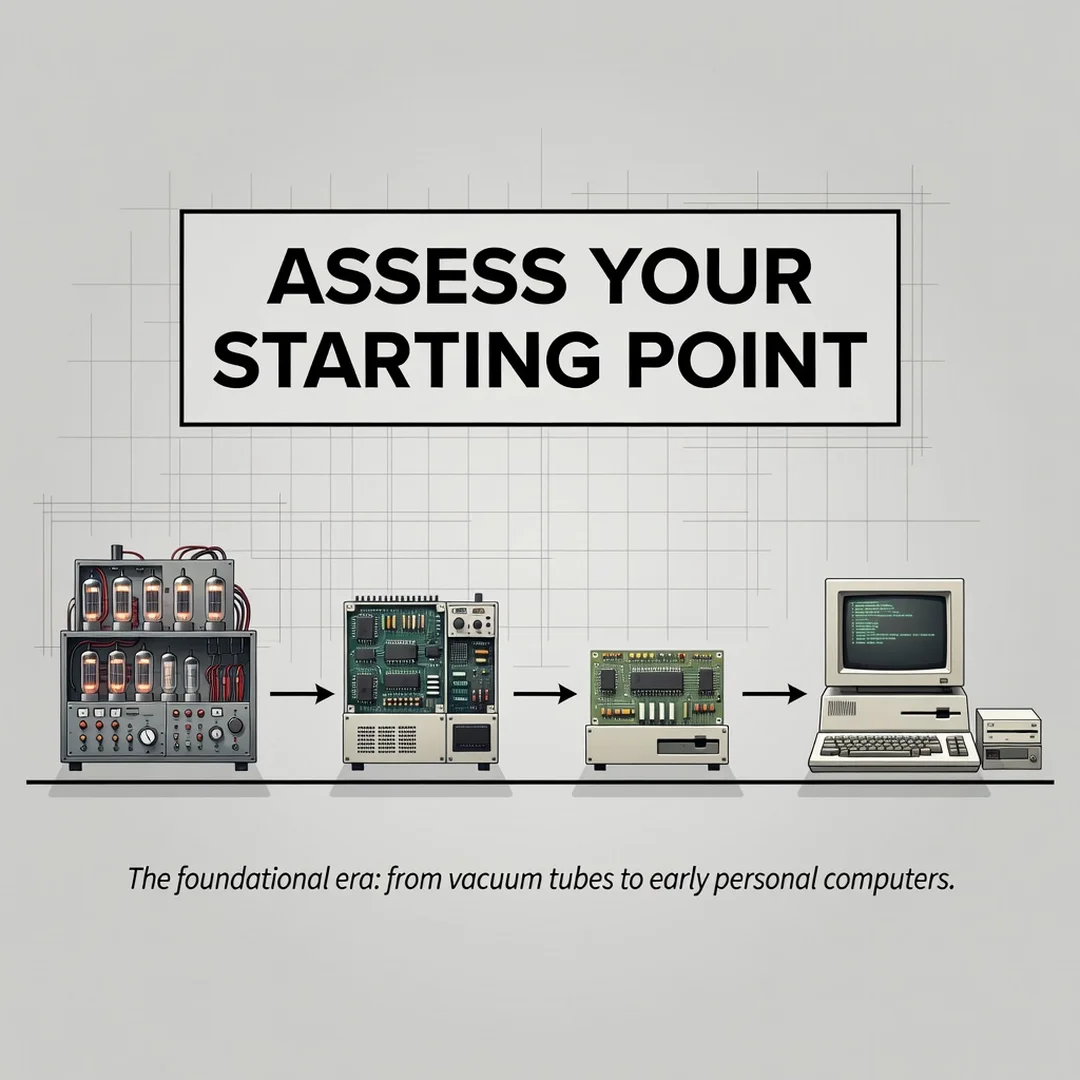
Step 2: Assess your starting point
Inventory your current hardware. Note the processor model, RAM amount and type, storage type and free space, graphics capability, and power supply wattage. Run a system monitoring tool to observe CPU, memory, and disk usage during your normal work. The component that stays near maximum is your limiting factor.
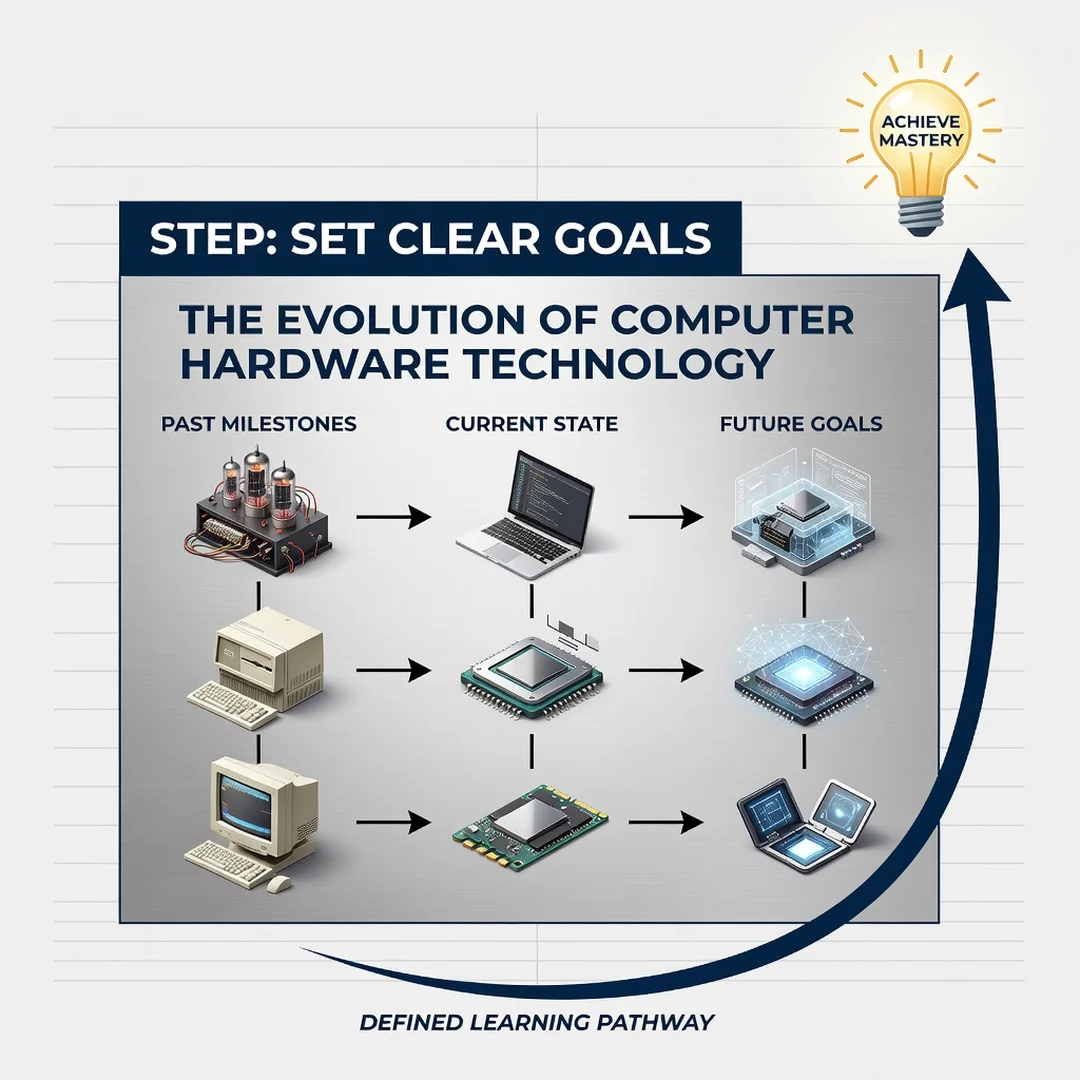
Step 3: Set clear goals
Define what you want to improve and by how much. Examples: reduce video export time by half, run a specific game at a stable frame rate, or support more concurrent users on a server. Vague goals like “make it faster” lead to overspending. Specific goals make comparisons straightforward.
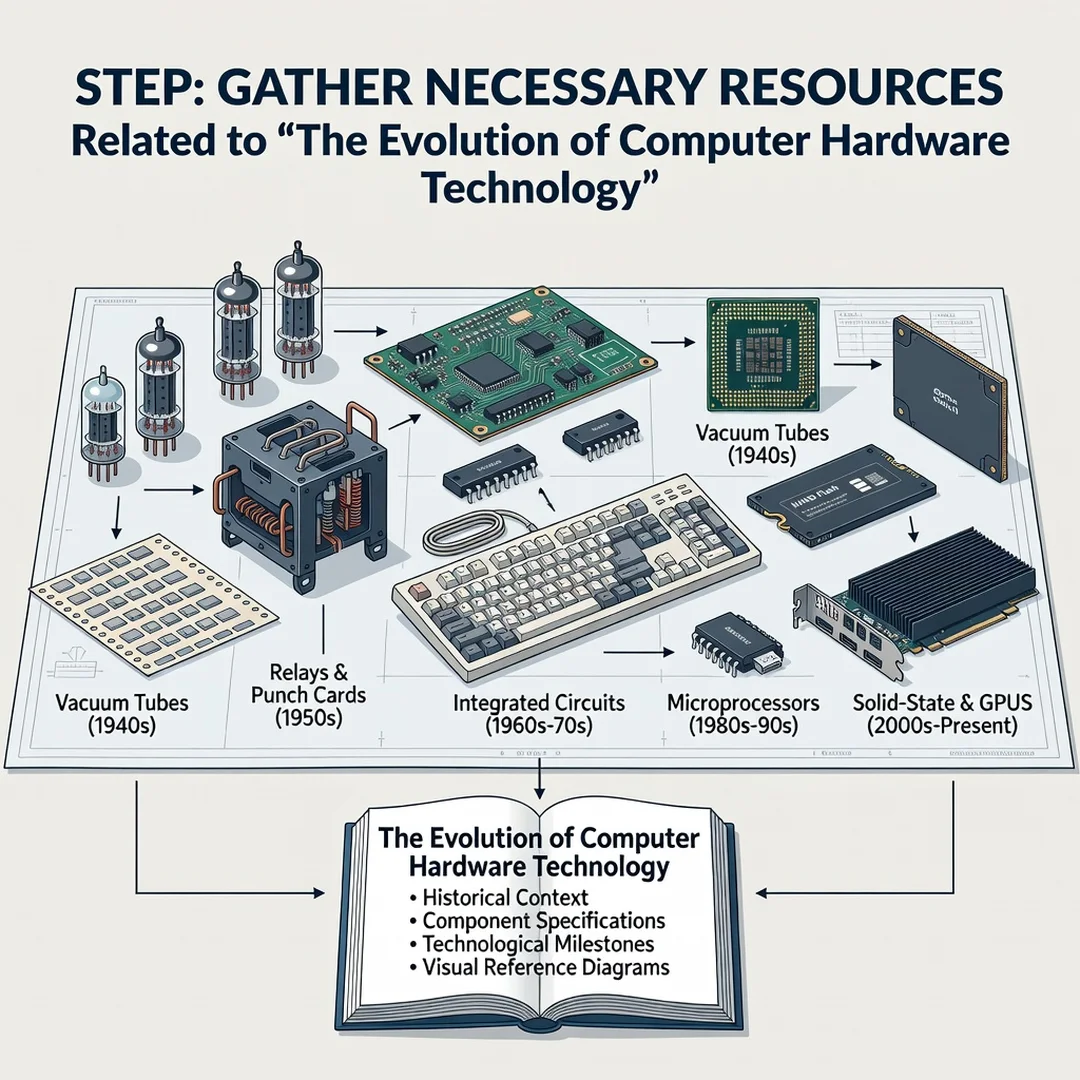
Step 4: Gather necessary resources
Collect reliable information: manufacturer specification sheets, independent benchmark reviews, and compatibility lists for your motherboard. Confirm physical dimensions, power connectors, and interface versions. Budget not only for the component but also for tools, cooling, or a new power supply if needed.
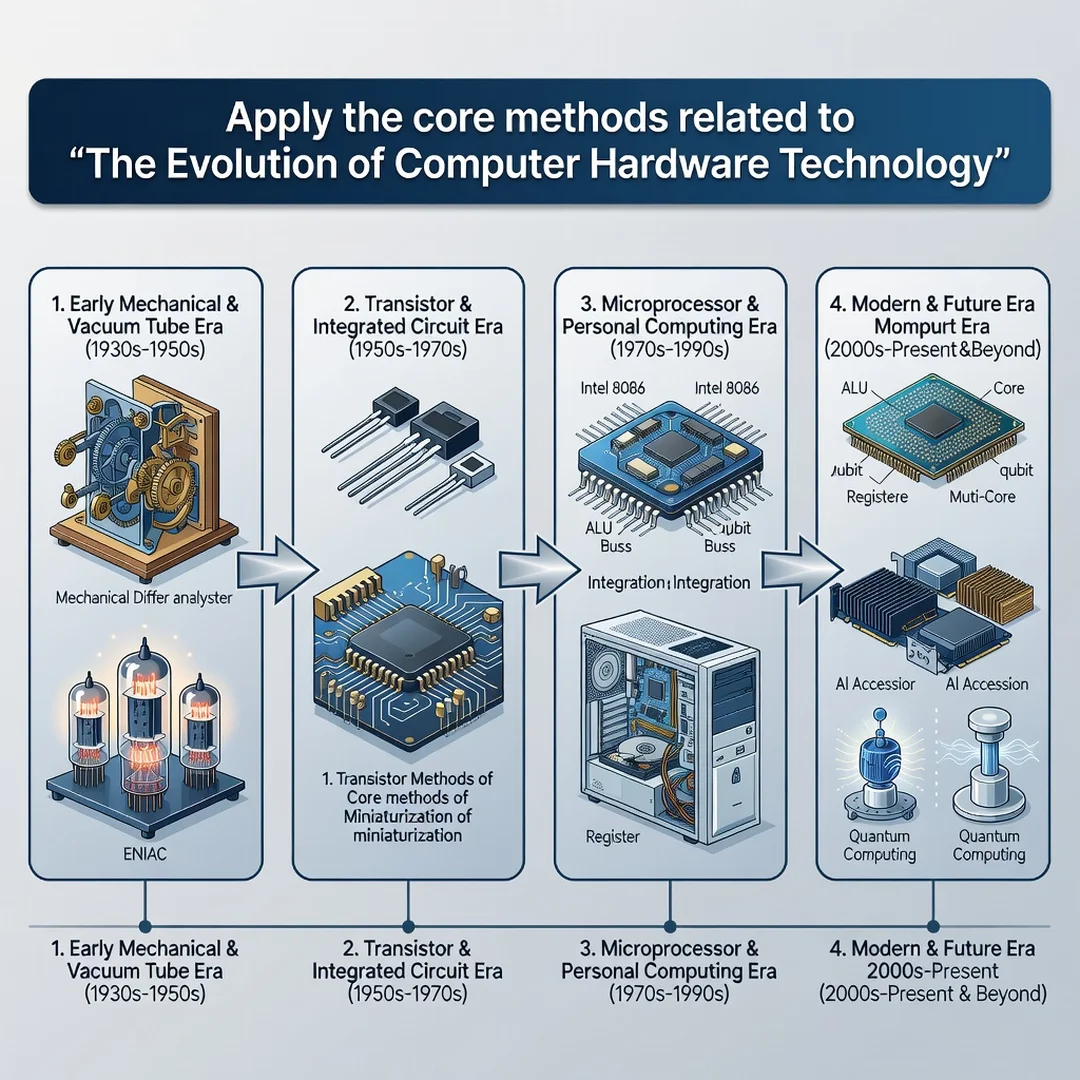
Step 5: Apply the core methods
Upgrade the identified bottleneck first, then measure the result. Change one variable at a time so you can attribute improvements correctly. If the goal is met, stop — further spending has diminishing returns. If not, reassess and repeat the loop. This methodical approach, drawn directly from decades of hardware evolution, consistently produces the best cost-to-performance results.
FAQ
What should I know about The Evolution of Computer Hardware Technology?
You should know that hardware advances in response to specific bottlenecks, and that each generation solved one problem while creating new ones. The practical takeaway is to identify your own bottleneck before spending money, match components to your real workload, and respect power and thermal limits. Understanding the broad timeline — from vacuum tubes to multicore and accelerated computing — helps you interpret today’s specifications and avoid unnecessary purchases.
Who is this guide for?
This guide is for anyone making hardware decisions: home users buying or upgrading a computer, students learning how systems work, and IT professionals planning equipment purchases. No advanced engineering background is required. The concepts are explained in plain language with an emphasis on practical application rather than theory.
Conclusion
The evolution of computer hardware is a story of solving constraints one at a time, and that same logic applies to your decisions today. By understanding fundamentals, assessing your starting point, setting clear goals, gathering reliable resources, and applying changes methodically, you can get better performance for less money and fewer mistakes. Hardware will keep changing, but the habit of identifying the real bottleneck and acting on it will remain valuable for decades.
Frequently Asked Questions
What should I know about The Evolution of Computer Hardware Technology?
This guide covers the essentials of The Evolution of Computer Hardware Technology with practical steps you can apply right away.
Who is this guide for?
Anyone looking for a clear, structured overview without unnecessary complexity.
You now have a solid foundation for The Evolution of Computer Hardware Technology. Apply the best practices above and revisit this guide as your needs evolve.