

AI tools have moved from experimental novelties to everyday essentials in workplaces of every size. From drafting emails to analyzing spreadsheets, these tools now handle repetitive tasks so you can focus on decisions, creativity, and strategy—skills that drive real value.
But how exactly are AI tools changing the way people work, and what should you do about it? This article breaks down the practical shifts, the jobs most affected, and simple steps to stay ahead—no technical background required.
Introduction
AI tools have moved from experimental novelties to everyday fixtures in offices, studios, workshops, and home offices. Whether you write reports, manage customer tickets, edit video, code software, or run a small retail shop, AI now touches some part of your daily workflow. The shift is not about robots replacing people wholesale; it is about tasks being reshaped, accelerated, and redistributed. This article explores How AI Tools Are Changing the Way People Work with clear, practical guidance. You will learn what the changes mean for your role, how to evaluate AI tools without hype, and how to build habits that keep you effective as the technology evolves.
The pace of change can feel overwhelming, but the underlying principles are stable. Understanding the fundamentals of How AI Tools Are Changing the Way People Work helps you make informed decisions about which tools to adopt, which to ignore, and how to protect your time and attention. Reliable information and consistent habits lead to better long-term outcomes, whether you are an employee, a manager, a freelancer, or a business owner.
Key Concepts
To make sense of the current landscape, start with a few core ideas that appear again and again in real workplaces.
- Automation vs. augmentation. Automation hands a task entirely to a machine, such as auto-generating a weekly sales report. Augmentation keeps you in control while AI suggests, drafts, or summarizes, such as an AI writing assistant proposing bullet points you then edit. Most successful workplace changes blend both, depending on risk and repetition.
- Task-level impact. AI rarely changes an entire job overnight. Instead, it changes specific tasks. A customer support agent might still handle escalated calls, but an AI chatbot now handles password resets. Breaking your role into tasks helps you see exactly where AI helps or threatens.
- Prompt literacy. The ability to describe what you want clearly is becoming a baseline skill. Vague requests produce vague output. Specific instructions, examples, and constraints produce usable results.
- Human-in-the-loop. For anything with legal, financial, medical, or reputational risk, a person must review and approve the AI output. This principle keeps quality high and accountability clear.
- Data friction. AI tools are only as good as the information they can access. Siloed files, messy spreadsheets, and unclear permissions slow adoption more than the models themselves.
These concepts matter because they separate useful adoption from expensive distraction. When you evaluate a new AI feature, ask which concept it improves: is it removing repetitive work, helping you think, requiring better prompts, or exposing messy data?
Deep Dive
The day-to-day reality of AI at work varies by role, but several patterns have become common across industries.
Writing and communication
Drafting emails, reports, and documentation is one of the most widely adopted uses. AI can produce a first draft in seconds, summarize long threads, adjust tone, or translate content. The value is not the raw text; it is the time saved on structure and the reduced blank-page anxiety. The risk is bland, inaccurate, or overly confident text that nobody fact-checks.
Customer-facing work
Chatbots and virtual assistants now handle routine questions, freeing human agents for complex or emotional conversations. The best implementations route difficult cases to people quickly and log everything for review. Poor implementations frustrate customers with loops and irrelevant answers, which is why testing and escalation rules matter.
Analysis and decision support
AI tools can scan spreadsheets, identify anomalies, forecast trends, and summarize meeting notes into action items. They are excellent at pattern recognition at scale, but they can also invent plausible-sounding numbers. Analysts increasingly spend less time assembling data and more time interpreting it and checking assumptions.
Creative and technical production
Designers use AI for mood boards and variations; developers use it for boilerplate code, test generation, and documentation. Musicians and video editors use it for cleanup and rough cuts. In each case, the tool accelerates the boring 60 percent so professionals can focus on the judgment-heavy 40 percent.
Management and coordination
Managers use AI to summarize team updates, draft performance notes, and schedule meetings. The coordination layer is quietly becoming one of the largest areas of adoption because it saves small amounts of time across many people, which adds up quickly.
Best Practices
Adopting AI tools without a plan leads to tool sprawl and inconsistent results. These practices keep you grounded.
- Start with a painful, repetitive task. Choose something you do weekly that takes more than 30 minutes and has clear success criteria.
- Define what “good” looks like before you test. Write down the quality bar, the time budget, and the accuracy threshold.
- Keep a human review step. Never send AI-generated legal, financial, or customer-facing content without a person checking it.
- Protect sensitive data. Know where your inputs go. Avoid pasting confidential client data into tools that train on user content unless your organization has approved it.
- Document your prompts and workflows. A simple shared note with your best prompts saves teammates hours and reduces inconsistent output.
- Measure outcomes, not enthusiasm. Track time saved, error rates, and satisfaction. If a tool does not move a metric, drop it.
- Revisit quarterly. AI capabilities change fast. A tool that failed six months ago may now be useful, and a tool you love may have better or cheaper alternatives.
Step-by-Step: Putting AI to Work Without the Chaos
Use this sequence to adopt AI tools in a controlled, useful way. It works for individuals, small teams, and departments.
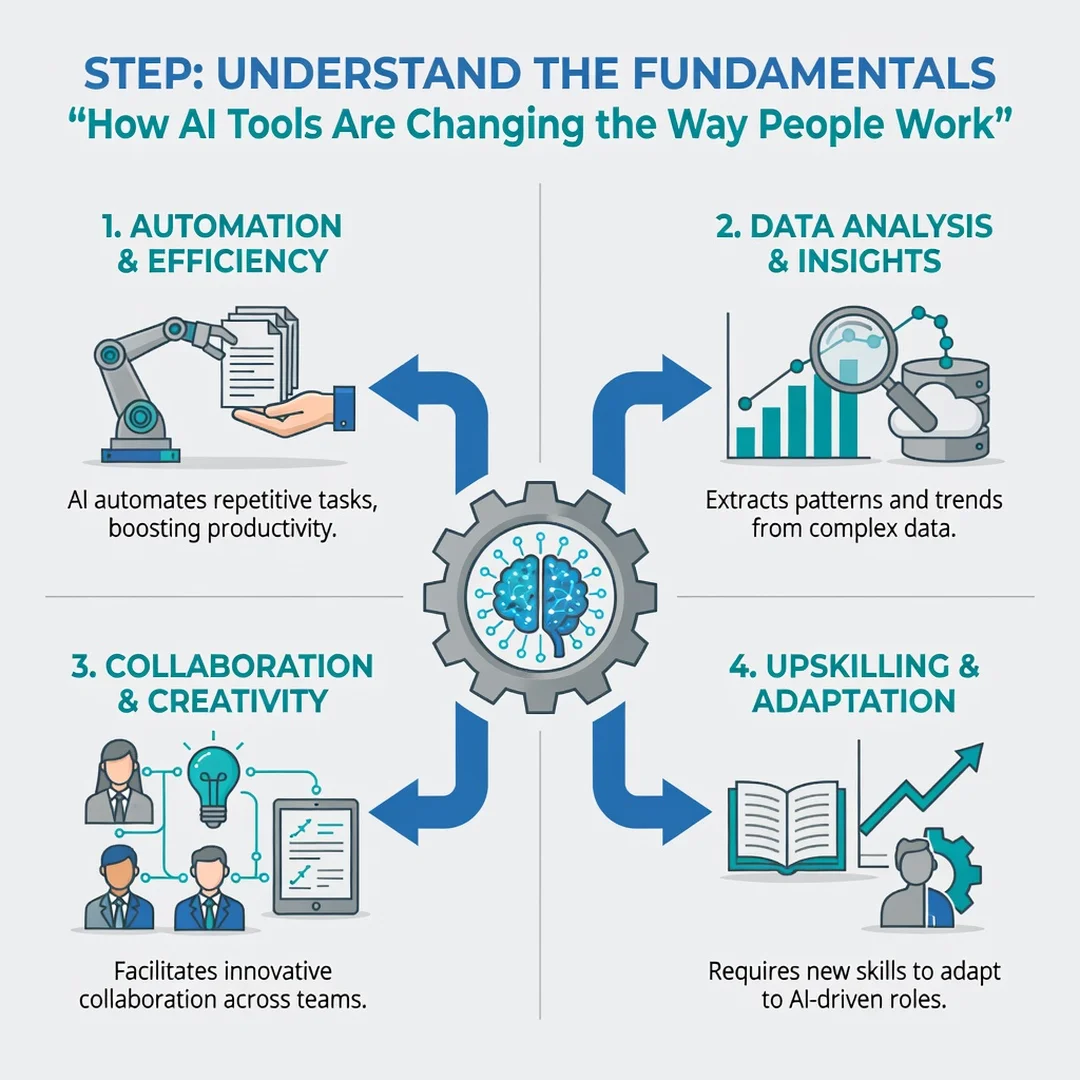
Step 1: Understand the fundamentals
Before touching any tool, learn the core concepts: automation versus augmentation, task-level impact, prompt literacy, human-in-the-loop review, and data friction. Spend an hour reading reliable documentation from the tool vendors and one independent review. Write a one-paragraph summary in your own words. If you cannot explain what the tool does and where it fails, you are not ready to use it on real work.
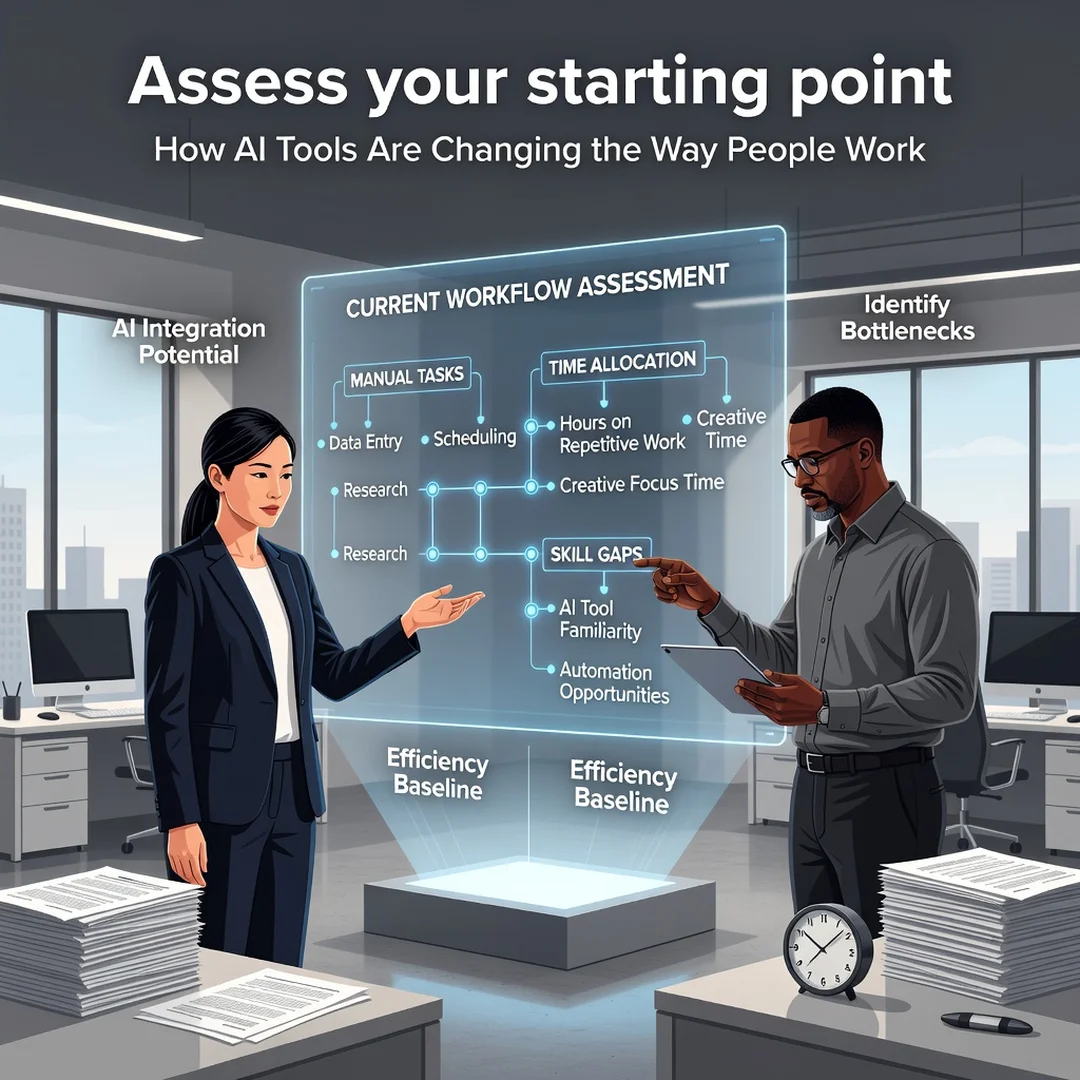
Step 2: Assess your starting point
List the tasks you or your team perform in a typical week. Mark each task with frequency, time cost, and risk level. High-frequency, low-risk tasks are ideal first candidates. Low-frequency, high-risk tasks, such as contract review or medical advice, require strict human oversight or should be avoided entirely. This inventory becomes your baseline for measuring improvement later.
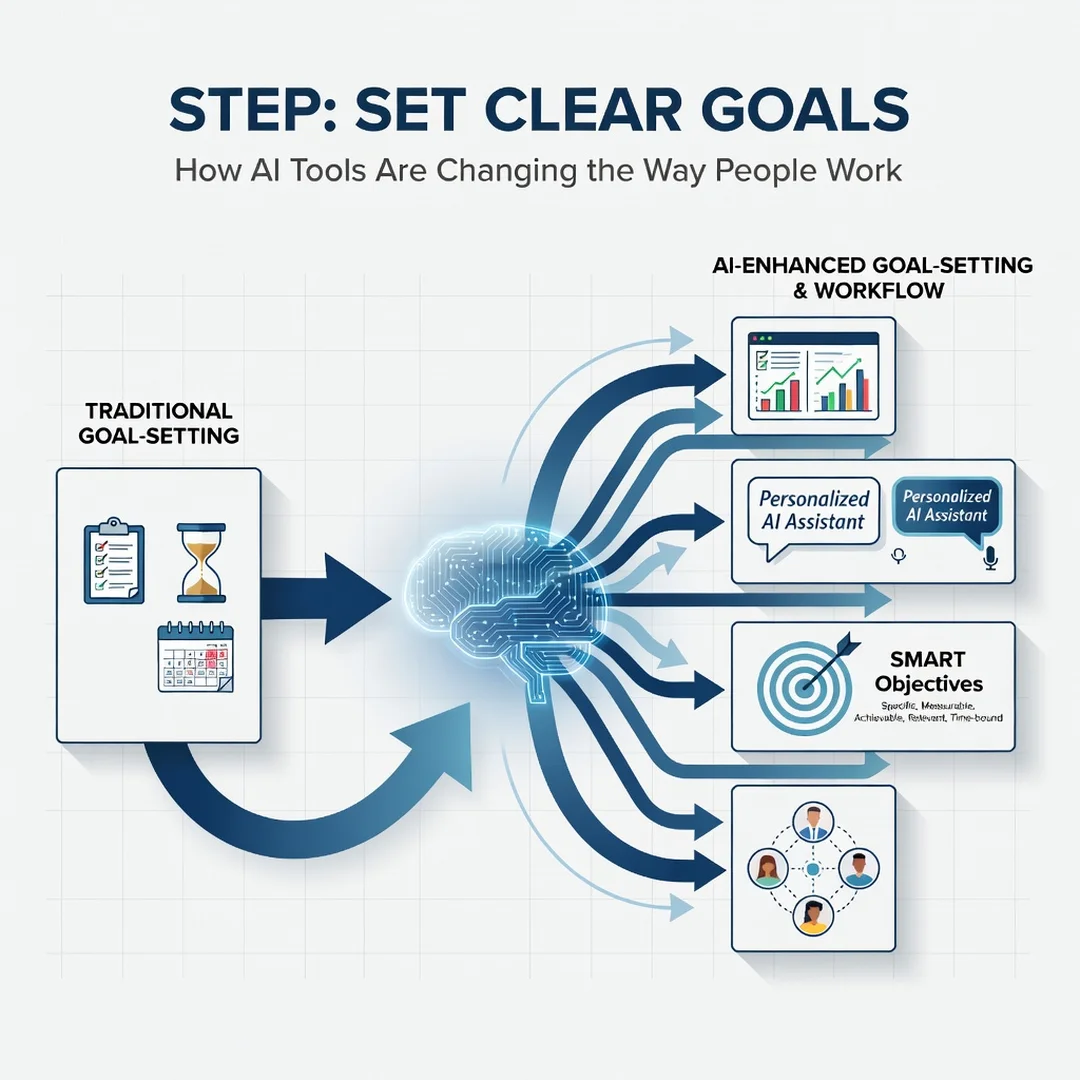
Step 3: Set clear goals
Turn your chosen task into a specific goal. Instead of “use AI to write better,” aim for “cut weekly report drafting from 90 minutes to 30 minutes while keeping error rate below 2 percent.” Goals like this tell you whether the tool is helping and when to stop. Set a review date, usually two to four weeks out, to decide whether to continue, adjust, or abandon.
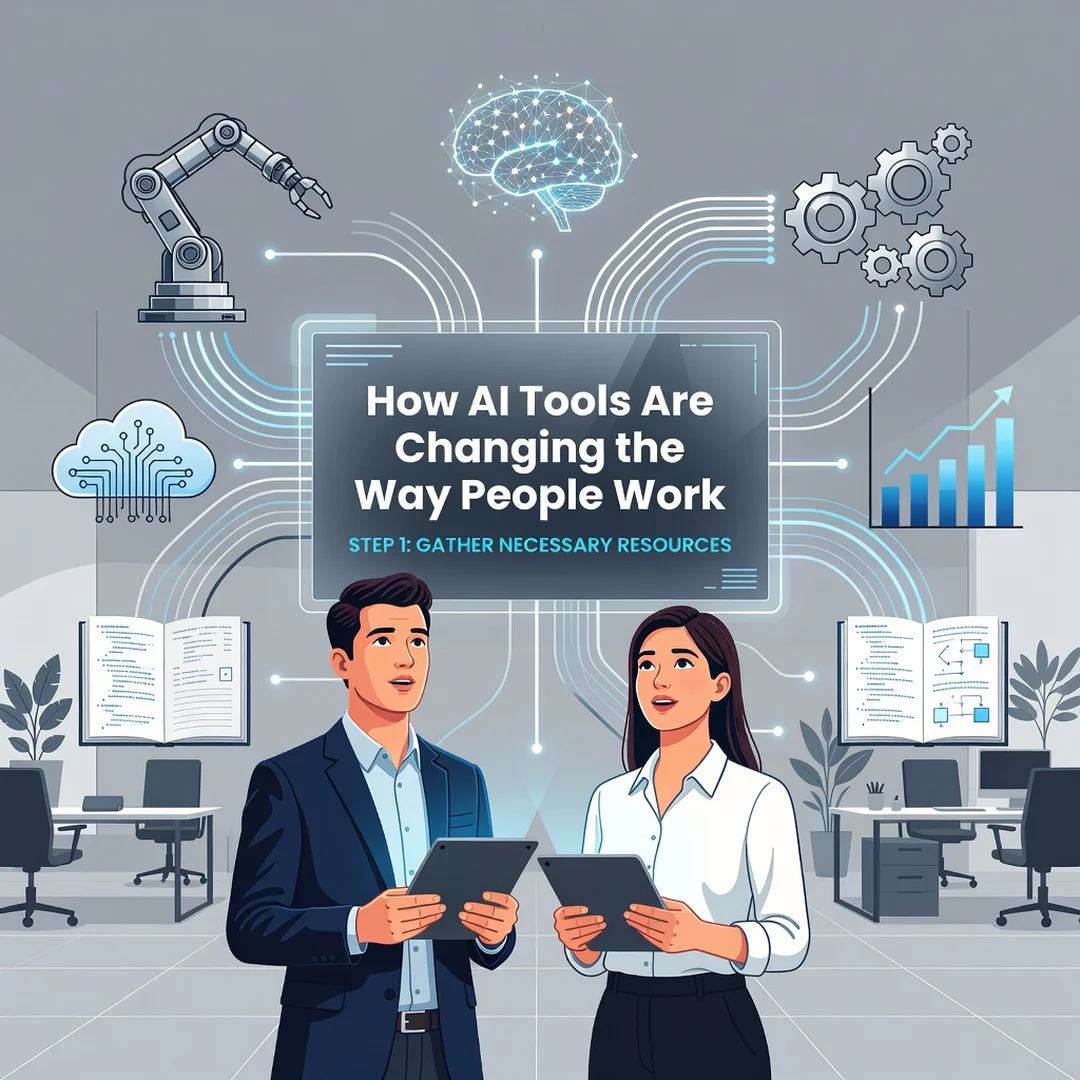
Step 4: Gather necessary resources
Identify what you need before you start: access to the tool, sample data, example outputs, and any approval from IT or legal. Check your organization’s AI policy. If none exists, ask about data handling and disclosure. Prepare a small test set of real but non-sensitive examples so you can compare AI output against your current work.
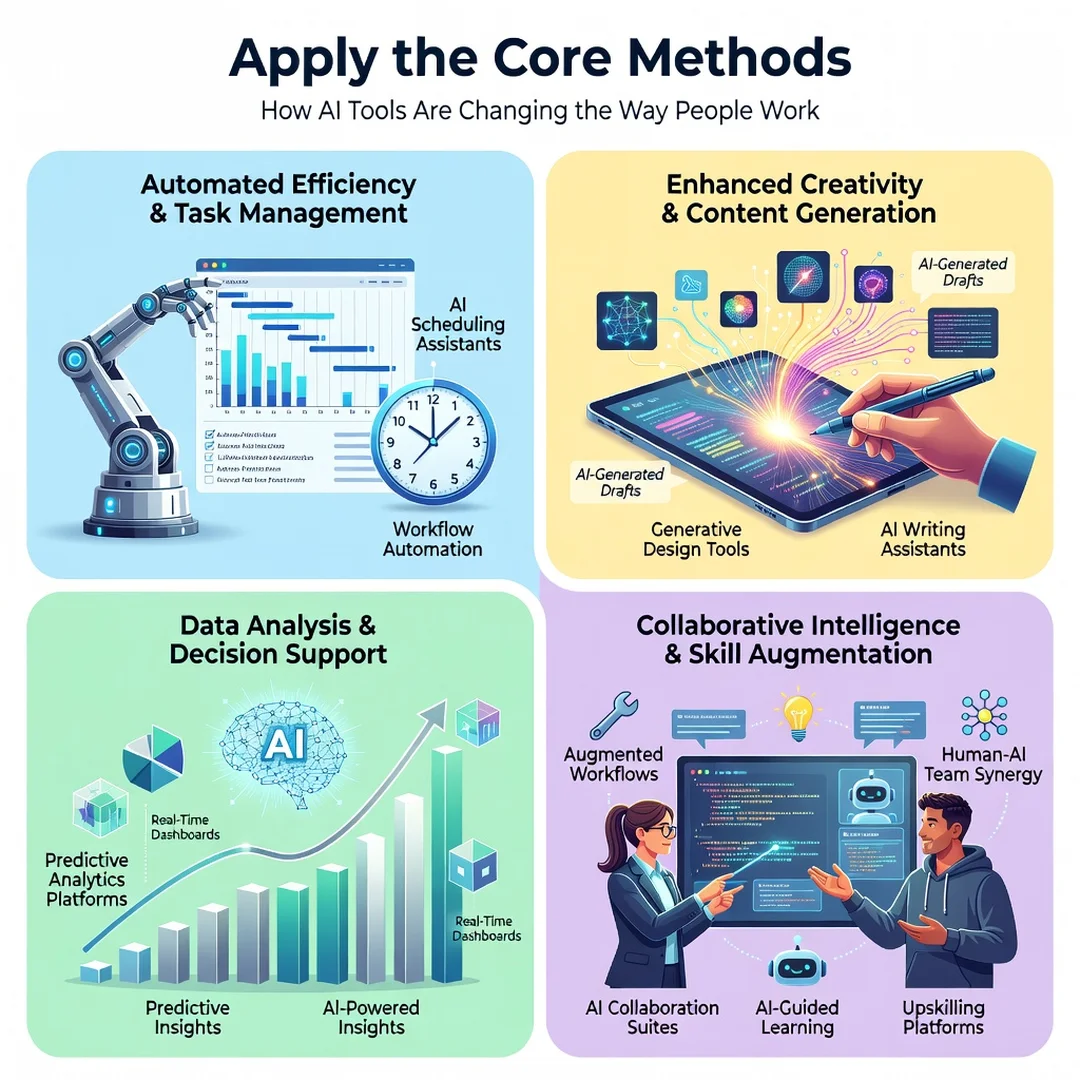
Step 5: Apply the core methods
Run the tool on your test set. Write clear prompts with context, constraints, and examples. Review every output against your quality bar. Note where it succeeds and where it fails. Iterate on your prompts and workflow. Once results are consistent, expand to a slightly larger set of tasks. Keep the human review step in place, document what works, and share your findings with teammates so the learning compounds.
FAQ
What should I know about How AI Tools Are Changing the Way People Work?
The most important thing to know is that change is happening at the task level, not just the job level. AI is best at drafting, summarizing, classifying, and generating variations. It is weak at judgment, accountability, and understanding context it was not given. Your ability to write clear instructions and review output carefully matters more than which specific tool you use. Also know that adoption is uneven: some industries and roles are transforming quickly, while others are barely touched. Reliable information and consistent habits lead to better long-term outcomes, so focus on building repeatable workflows rather than chasing every new product launch.
Who is this guide for?
This guide is for anyone who wants a practical, non-technical understanding of AI in the workplace. That includes employees in office, creative, or technical roles; managers evaluating tools for their teams; freelancers and small.
You now have a solid foundation for How AI Tools Are Changing the Way People Work. Apply the best practices above and revisit this guide as your needs evolve.