
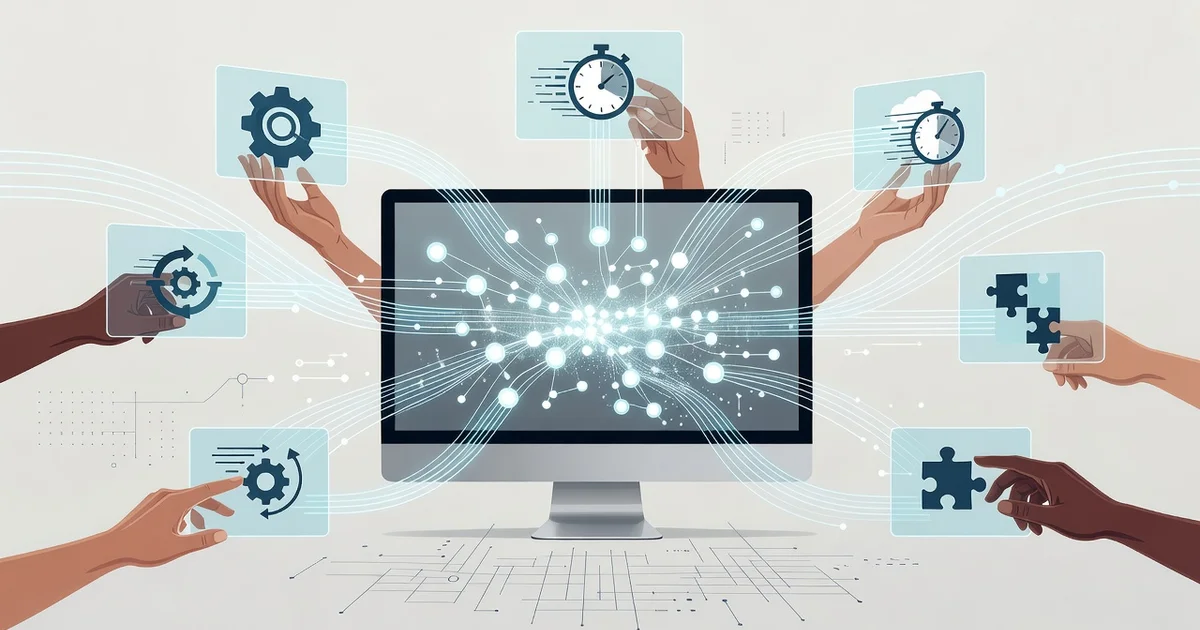
Modern computers are no longer just tools for browsing the web or sending emails. With faster processors, solid-state drives, and advanced multitasking capabilities, today’s machines are built to help you accomplish more in less time. Understanding how modern computers improve digital productivity can transform the way you work, whether you’re managing a remote team, studying for exams, or running a small business.
In this article, we’ll break down the key hardware and software features that make a real difference in your daily workflow. You’ll discover practical, actionable ways to leverage your device and get more done with less friction.
Introduction
Modern computers have fundamentally changed how people work, learn, and create. Where a 1990s desktop might have handled a single word-processing task at a time, today’s machines juggle video calls, large datasets, design software, and dozens of browser tabs simultaneously. The result is a measurable shift in digital productivity: the ability to accomplish more meaningful work in less time, with fewer errors and less friction.
This article explores How Modern Computers Improve Digital Productivity with clear, practical guidance. It is written for anyone who wants to understand the link between hardware capability and daily output, whether you are a student, a remote worker, a small business owner, or simply someone trying to get more done with less frustration. Understanding the fundamentals of How Modern Computers Improve Digital Productivity helps you make informed decisions about hardware, software, and the habits that surround them.
Productivity is not just about raw speed. It is about reliability, responsiveness, and the way a system fits your workflow. A computer that boots in seconds, switches between demanding applications without stalling, and keeps your data safe removes dozens of small interruptions each day. Over weeks and months, those saved minutes compound into significant gains. Reliable information and consistent habits lead to better long-term outcomes, and the same principle applies to the technology you choose and how you use it.
Key Concepts
To make sense of modern productivity gains, it helps to understand a handful of core ideas. These concepts explain why a newer machine often feels dramatically better than an older one, even when both technically run the same programs.
- Multicore processors: Modern CPUs contain multiple cores that handle separate tasks at once. A video render can run in the background while you answer email, without either task freezing the other.
- Solid-state drives (SSDs): Unlike older mechanical hard drives, SSDs have no moving parts. They load operating systems and applications in seconds rather than minutes, which sharply reduces waiting time.
- Sufficient RAM: Memory determines how many applications you can keep open simultaneously. When RAM runs low, systems slow down and swap data to disk, creating lag.
- Cloud synchronization: Files stored in services like Google Drive, OneDrive, or Dropbox stay available across devices. You can start work on a laptop and finish on a phone without manual transfers.
- Automation and shortcuts: Modern operating systems support keyboard shortcuts, macros, and scripting that turn repetitive multi-step actions into single commands.
- Battery efficiency and portability: Improved power management means all-day battery life, letting you work from anywhere without hunting for an outlet.
These elements work together. A fast processor paired with a slow drive still feels sluggish. Balanced hardware plus good habits produces the smooth, responsive experience most people associate with “a good computer.”
Deep Dive
The relationship between hardware and productivity is often oversimplified as “faster equals better.” In reality, the improvements come from removing bottlenecks in your specific workflow.
Where time is actually lost
Studies of knowledge workers consistently show that the biggest time sinks are not typing speed but context switching, waiting for applications to respond, and recovering from crashes or lost work. A modern computer addresses each of these. Instant wake-from-sleep means you resume in a second rather than waiting two minutes. Auto-save and version history in cloud applications mean a crash costs you almost nothing. Background updates and security patches run quietly instead of interrupting your session.
The role of software optimization
Newer operating systems and applications are built to take advantage of modern hardware. Features like hardware-accelerated video encoding, unified memory architectures, and intelligent background task scheduling mean the same task often completes faster on a current machine than on an older one with similar raw specifications. Software and hardware evolve together, so keeping both reasonably current matters.
Collaboration and connectivity
Digital productivity is rarely a solo activity. Modern computers make real-time collaboration practical through built-in cameras, noise-canceling microphones, and stable wireless connectivity. Sharing a document, presenting a screen, or co-editing a spreadsheet with a colleague across the world is now a normal part of the workday. This capability compresses project timelines and reduces the email back-and-forth that once slowed teams down.
Security as a productivity feature
It is easy to overlook security until something goes wrong. A ransomware attack or a stolen laptop can wipe out weeks of work. Modern machines include biometric login, encrypted storage, and automatic backups that protect your output. In that sense, security is not separate from productivity; it is what makes sustained productivity possible.
Best Practices
Hardware alone does not guarantee results. The following habits help you get the most from a modern computer.
- Keep your system updated: Install operating system and application updates promptly. They often include performance improvements and security fixes.
- Manage startup programs: Disable unnecessary apps that launch at boot. A cleaner startup means faster access to your actual work.
- Organize files consistently: Use a clear folder structure and meaningful file names. Search is powerful, but good organization reduces the need to search at all.
- Use keyboard shortcuts: Learning a handful of shortcuts for your most-used applications can save minutes every hour.
- Back up automatically: Enable cloud backup or a scheduled local backup so a hardware failure never costs you your work.
- Take breaks from the screen: Productivity depends on focus, and focus degrades with fatigue. Short, regular breaks improve output quality.
Consistency matters more than intensity. A few small adjustments maintained over time outperform a one-time overhaul that you abandon after a week.
Step-by-Step Guide
Use the following steps to systematically improve your digital productivity with the computer you already have, or to decide what to upgrade.
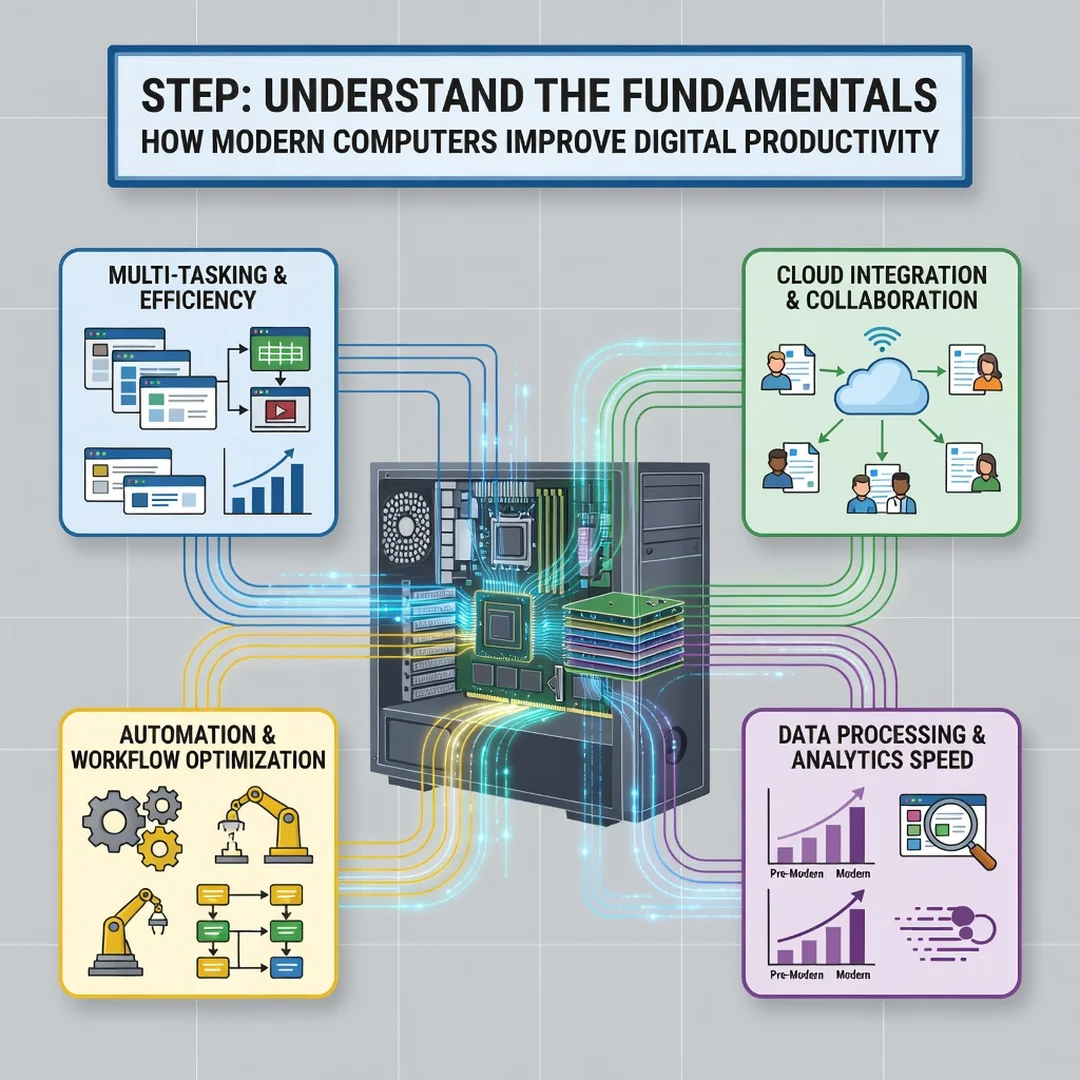
Step 1: Understand the fundamentals
Before changing anything, learn how your computer’s processor, memory, storage, and software interact. Identify which component is most likely to be limiting your speed. If your machine takes minutes to boot, storage is the likely culprit. If it slows down when you open many tabs, memory is the issue. This diagnosis prevents wasted spending and misdirected effort.
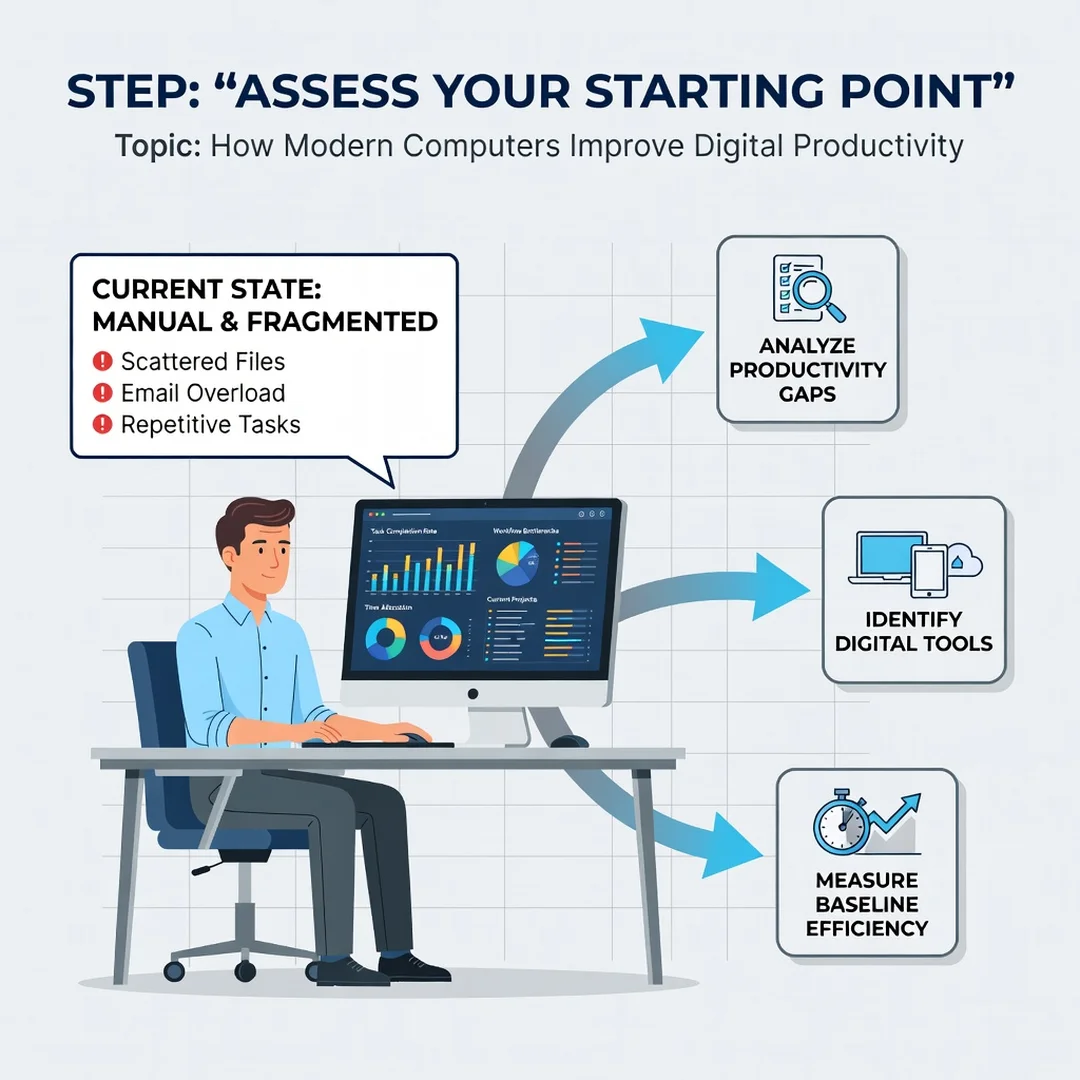
Step 2: Assess your starting point
Spend a few days noting where you lose time. Do you wait for files to open? Do you struggle to find documents? Do you lose work when an application crashes? Write down the three biggest friction points. Objective observation is more useful than a vague feeling that “the computer is slow.”
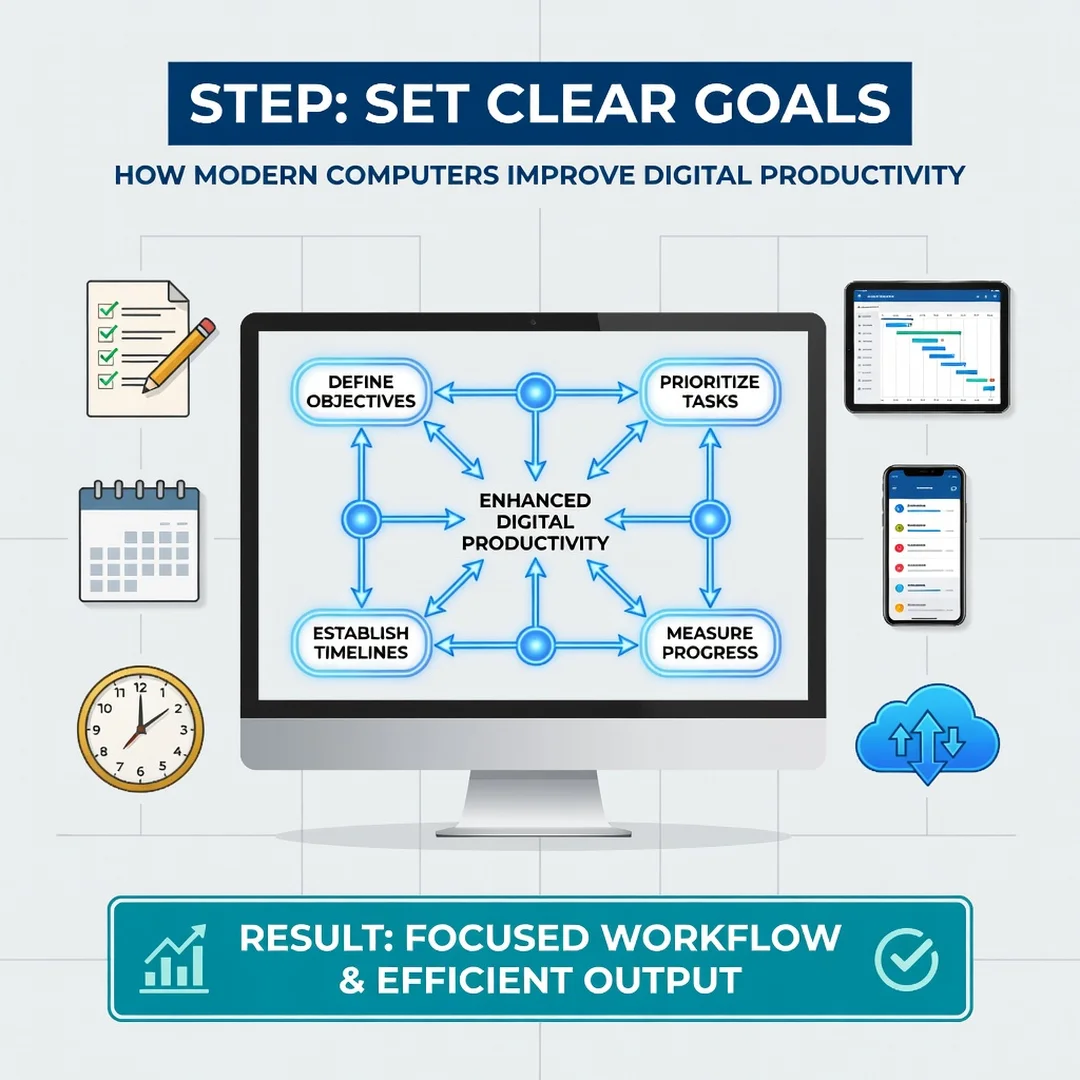
Step 3: Set clear goals
Turn your observations into specific, measurable targets. For example: “Reduce boot time to under 30 seconds,” “Cut document search time in half,” or “Never lose more than five minutes of work to a crash.” Clear goals let you judge whether your changes actually helped.
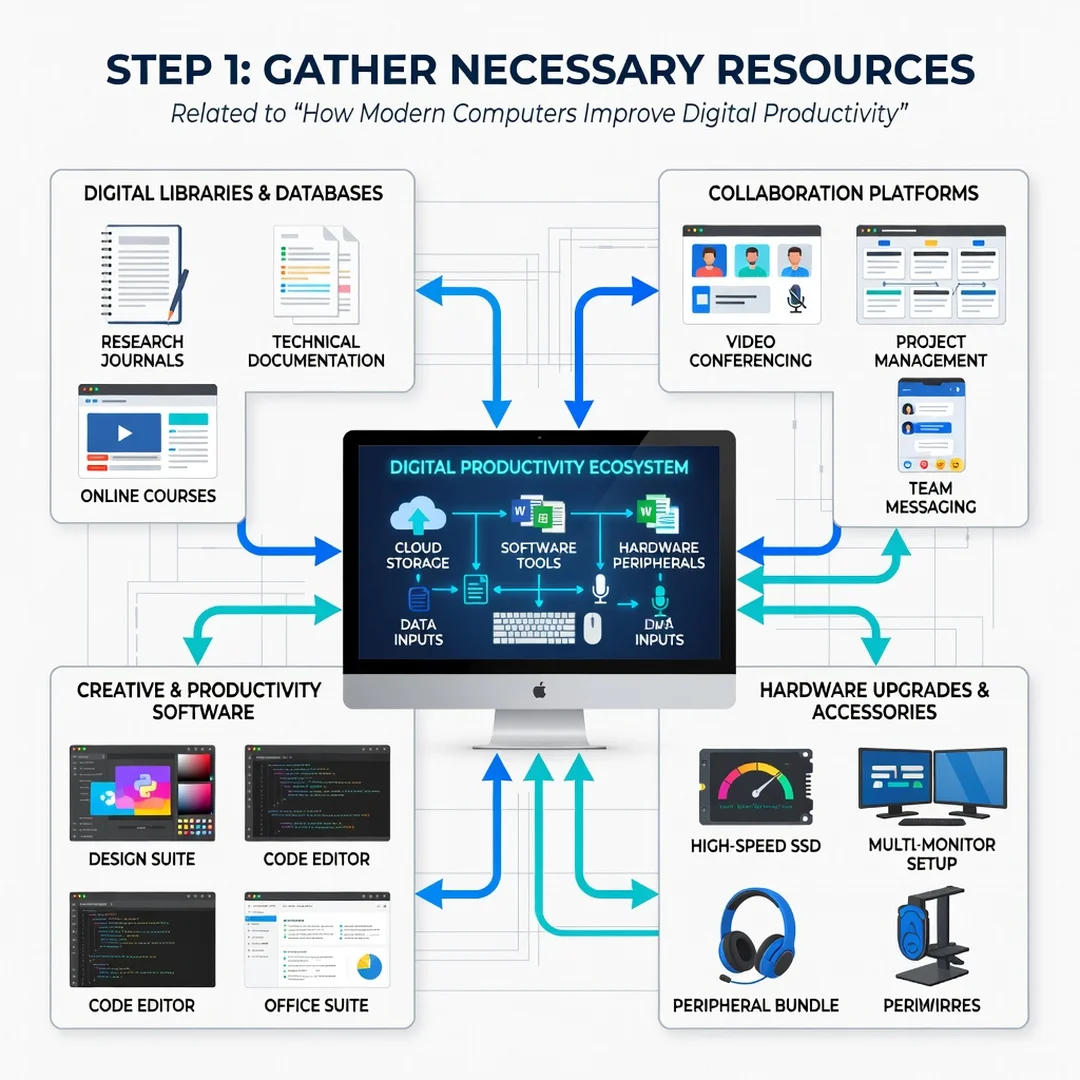
Step 4: Gather necessary resources
Depending on your goals, you may need an SSD upgrade, additional RAM, a cloud storage subscription, or simply time to reorganize your files. Budget carefully and prioritize the change that addresses your biggest friction point first. Many improvements, such as enabling auto-save or learning shortcuts, cost nothing at all.
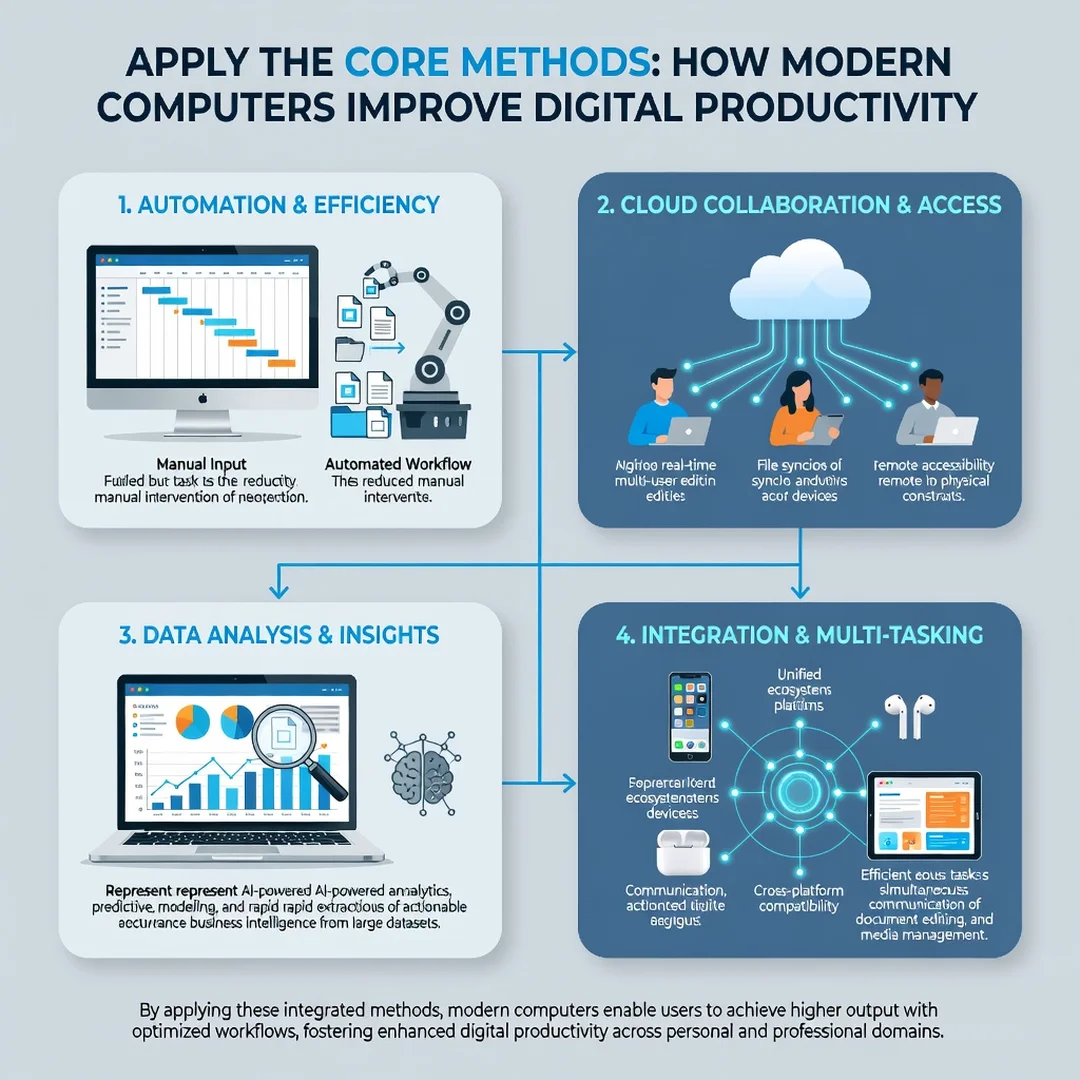
Step 5: Apply the core methods
Make the changes one at a time and measure the results. Upgrade storage, then observe. Add memory, then observe. Reorganize folders, then observe. Applying changes incrementally lets you confirm what actually works and avoid creating new problems. Once a change proves beneficial, build it into your routine until it becomes automatic.
FAQ
What should I know about How Modern Computers Improve Digital Productivity?
The key takeaway is that improvements come from removing bottlenecks rather than from raw speed alone. Faster storage, adequate memory, reliable software, and consistent habits combine to reduce waiting, errors, and interruptions. Understanding your own workflow tells you which of these matters most for you.
Who is this guide for?
This guide is for anyone who uses a computer for work, study, or creative projects and wants to get more done with less frustration. It suits beginners looking for a clear starting point as well as experienced users who want a structured way to evaluate their setup and habits.
Conclusion
Modern computers improve digital productivity by eliminating the small delays and risks that quietly consume hours each week. Faster storage, ample memory, dependable software, and built-in security create a foundation, while consistent habits turn that foundation into real results. Start by understanding your own workflow, assess where time is lost, and.
You now have a solid foundation for How Modern Computers Improve Digital Productivity. Apply the best practices above and revisit this guide as your needs evolve.