
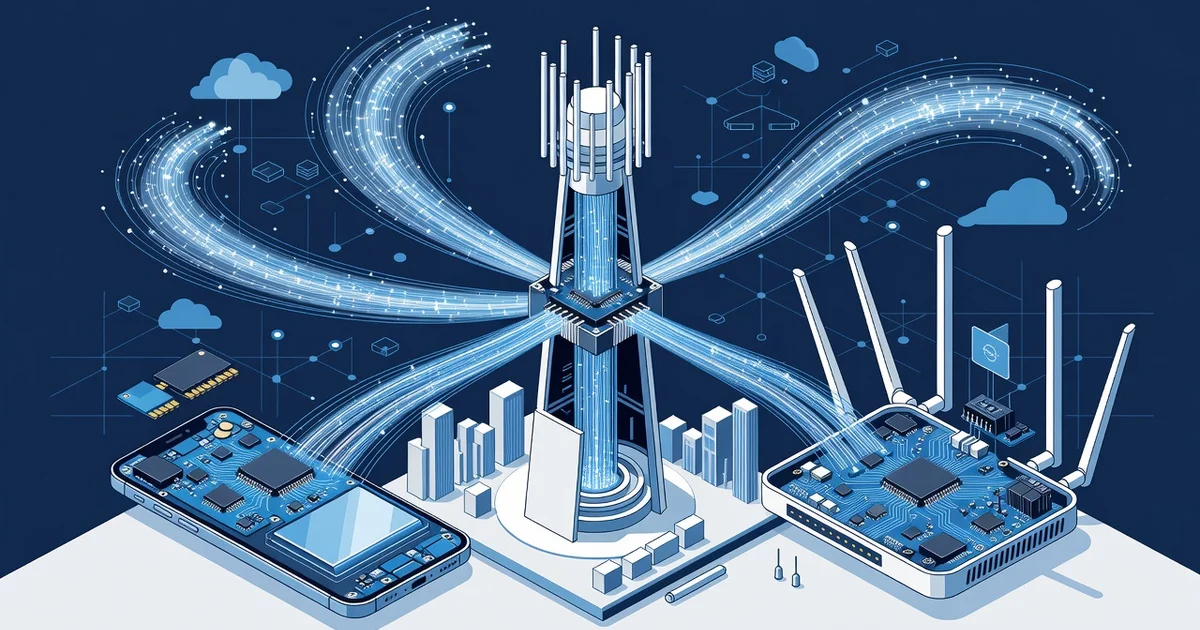
Every time you stream a movie, join a video call, or transfer a large file without buffering, you’re benefiting from the technology behind fast wireless networks. But what actually makes one connection blazing fast and another painfully slow? The answer lies in a mix of radio frequencies, advanced encoding, and smart antenna design working together behind the scenes.
In this article, we’ll break down the key components of fast wireless networks in plain language. You’ll learn which factors matter most, how to spot bottlenecks in your own setup, and the practical steps you can take to get a stronger, quicker signal today.
Introduction
This article explores The Technology Behind Fast Wireless Networks with clear, practical guidance. Wireless networks have become the invisible plumbing of modern life, carrying everything from video calls and cloud backups to smart-home commands and streaming entertainment. When they work well, you barely notice them. When they slow down, the frustration is immediate. The difference between a sluggish connection and a fast one usually comes down to a handful of technical principles that are easier to understand than most people expect.
Speed is not a single number. It is the result of radio signals, encoding schemes, channel management, and hardware working together. By learning how these pieces fit, you can diagnose problems, choose better equipment, and configure your network to get the most from the bandwidth you already pay for. Understanding the fundamentals of The Technology Behind Fast Wireless Networks helps you make informed decisions, rather than guessing at fixes or buying gear you do not need.
Key Concepts
Before optimizing anything, it helps to know the vocabulary. These are the core ideas that explain why one wireless setup feels fast and another feels stuck in molasses.
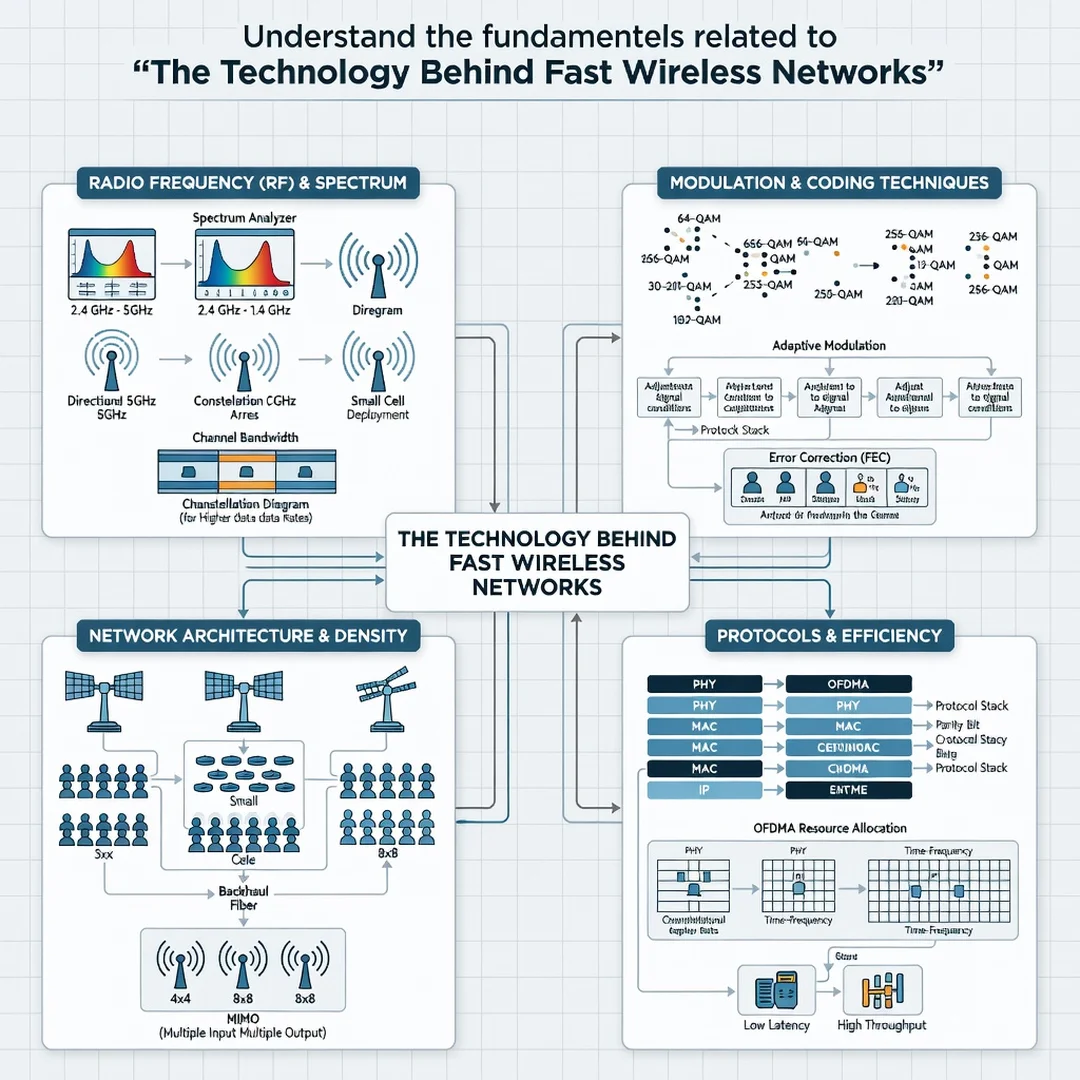
- Radio frequency bands: Most modern networks use 2.4 GHz and 5 GHz, and increasingly 6 GHz. Lower frequencies travel farther and penetrate walls better but carry less data. Higher frequencies move more data but lose strength over distance.
- Channel width: Think of channels as lanes on a highway. Wider lanes (40, 80, or 160 MHz) carry more data, but they are also more likely to overlap with neighbors and pick up interference.
- MIMO and MU-MIMO: Multiple-input, multiple-output technology uses several antennas to send and receive more data at once. Multi-user MIMO lets a router serve several devices simultaneously instead of taking turns.
- Wi-Fi generations: Wi-Fi 5 (802.11ac), Wi-Fi 6 (802.11ax), and Wi-Fi 6E and Wi-Fi 7 each add efficiency gains. Newer standards handle crowded environments better, even when raw speed looks similar on paper.
- Latency and jitter: Throughput gets the headlines, but responsiveness matters too. Low latency keeps video calls natural; low jitter keeps them from stuttering.
- Backhaul: The link between your router and the internet provider. A brilliant home network cannot outrun a slow or congested incoming connection.
Deep Dive
Wireless speed begins with the physics of radio. A router converts digital data into radio waves, which travel through the air and are decoded by your device. Because the air is shared, every nearby network, microwave oven, and Bluetooth speaker becomes a potential source of interference. Fast networks are those that manage this shared space efficiently.
One major factor is the modulation scheme. Modern Wi-Fi packs more bits into each radio symbol using techniques such as OFDM and its successor OFDMA. OFDMA divides a channel into smaller subcarriers so that multiple devices can transmit at the same time, which dramatically improves performance in homes and offices with many connected gadgets. This is why upgrading from an older router to a Wi-Fi 6 model can feel faster even if your internet plan has not changed.
Another factor is spectrum. The 2.4 GHz band is crowded and slow but reliable over distance. The 5 GHz band offers more channels and higher throughput, though walls weaken it. The 6 GHz band, introduced with Wi-Fi 6E and expanded in Wi-Fi 7, is wide open and fast but has the shortest range. A good network uses all three intelligently, steering devices to the best band for their location and needs.
Hardware matters as much as standards. Antenna design, processor power, and the number of simultaneous streams determine how well a router handles many devices at once. A mesh system with multiple nodes can blanket a large home, but each wireless hop between nodes consumes bandwidth. Where possible, wired backhaul between mesh nodes preserves speed and reduces latency.
Finally, remember that your devices are part of the equation. An older phone with a Wi-Fi 4 chip cannot take advantage of Wi-Fi 6 speeds no matter how good the router is. Fast wireless networking is a chain, and the slowest link sets the pace.
Best Practices
Good habits keep a network fast over time. These practices are simple, inexpensive, and effective.
- Place the router centrally, elevated, and away from metal objects, aquariums, and thick walls.
- Update router firmware regularly to receive performance and security improvements.
- Use the 5 GHz or 6 GHz band for high-bandwidth devices like laptops and TVs, and reserve 2.4 GHz for smart-home sensors.
- Limit channel width to 40 or 80 MHz in crowded areas to reduce interference.
- Change default network names and passwords, and disable outdated security protocols like WEP and WPS.
- Reboot the router and modem occasionally to clear memory and refresh connections.
- Run periodic speed tests at different times and locations to establish a baseline.
Reliable information and consistent habits lead to better long-term outcomes. A network that is monitored and maintained rarely surprises you at the worst possible moment.
Step-by-Step Guide
Step 1: Understand the fundamentals
Learn the roles of frequency bands, channel width, Wi-Fi generations, and interference. Knowing how radio signals behave lets you interpret symptoms correctly instead of blaming the wrong cause.
Step 2: Assess your starting point
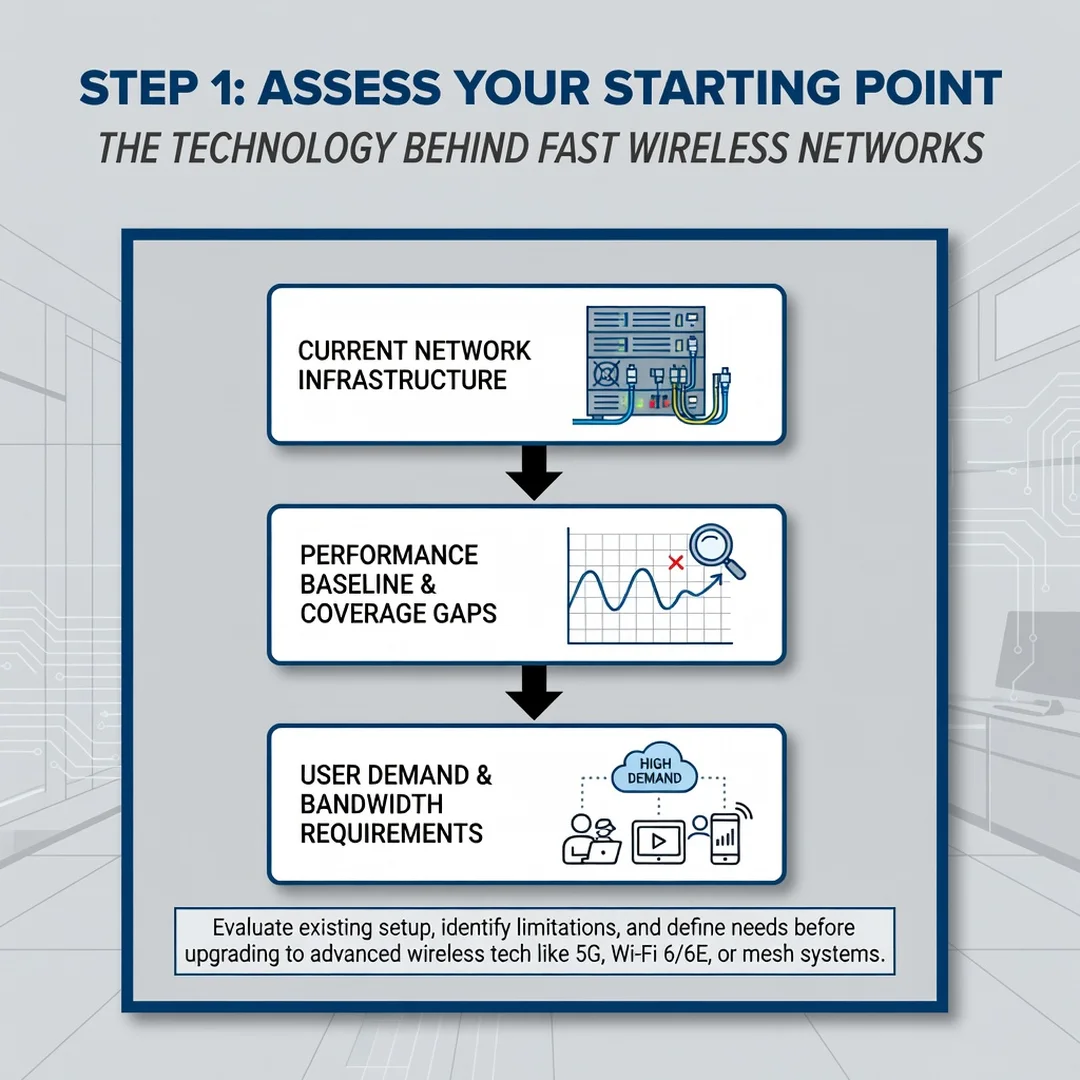
Measure your current performance. Run speed tests near the router and in far rooms. Note which devices feel slow and when. Check how many networks are visible in your area, since congestion shapes your options.
Step 3: Set clear goals
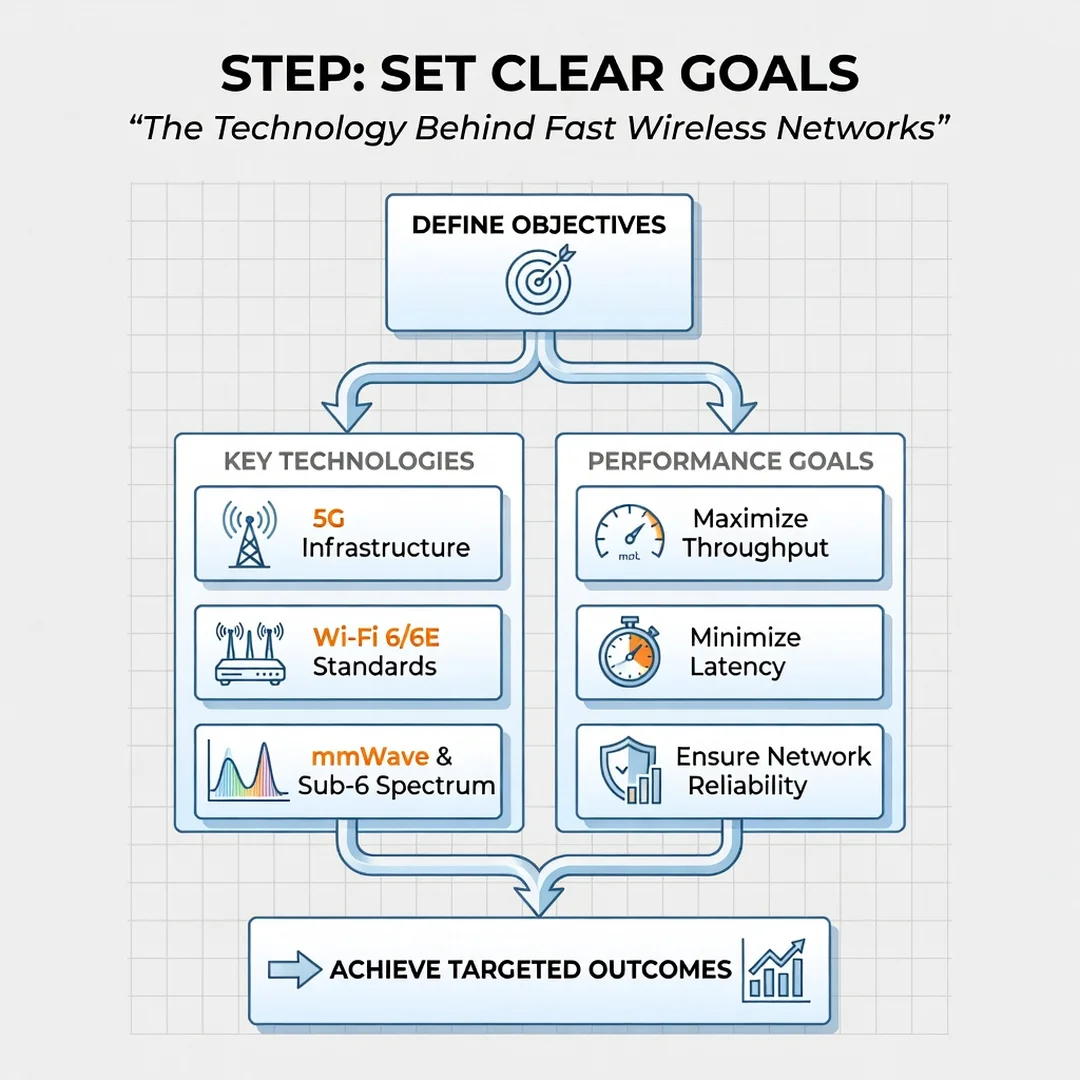
Decide what success looks like. A household that streams 4K video needs steady throughput, while a remote worker needs low latency and reliable upload speeds. Write down target numbers so you can measure progress objectively.
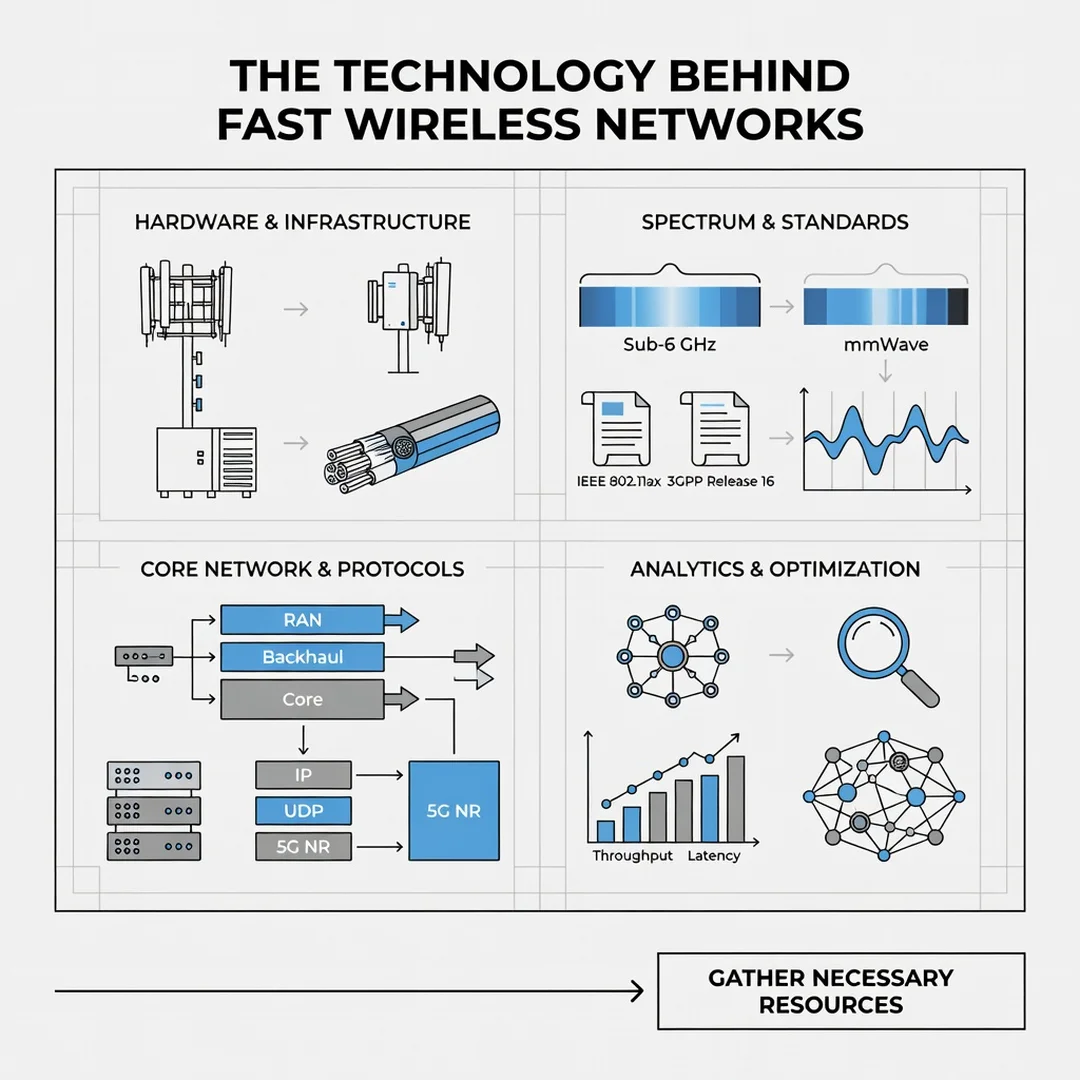
Step 4: Gather necessary resources
Collect what you need: a modern router or mesh system, Ethernet cables for backhaul, a smartphone or laptop for testing, and access to your router’s admin interface. Budget for upgrades only where weaknesses are confirmed.
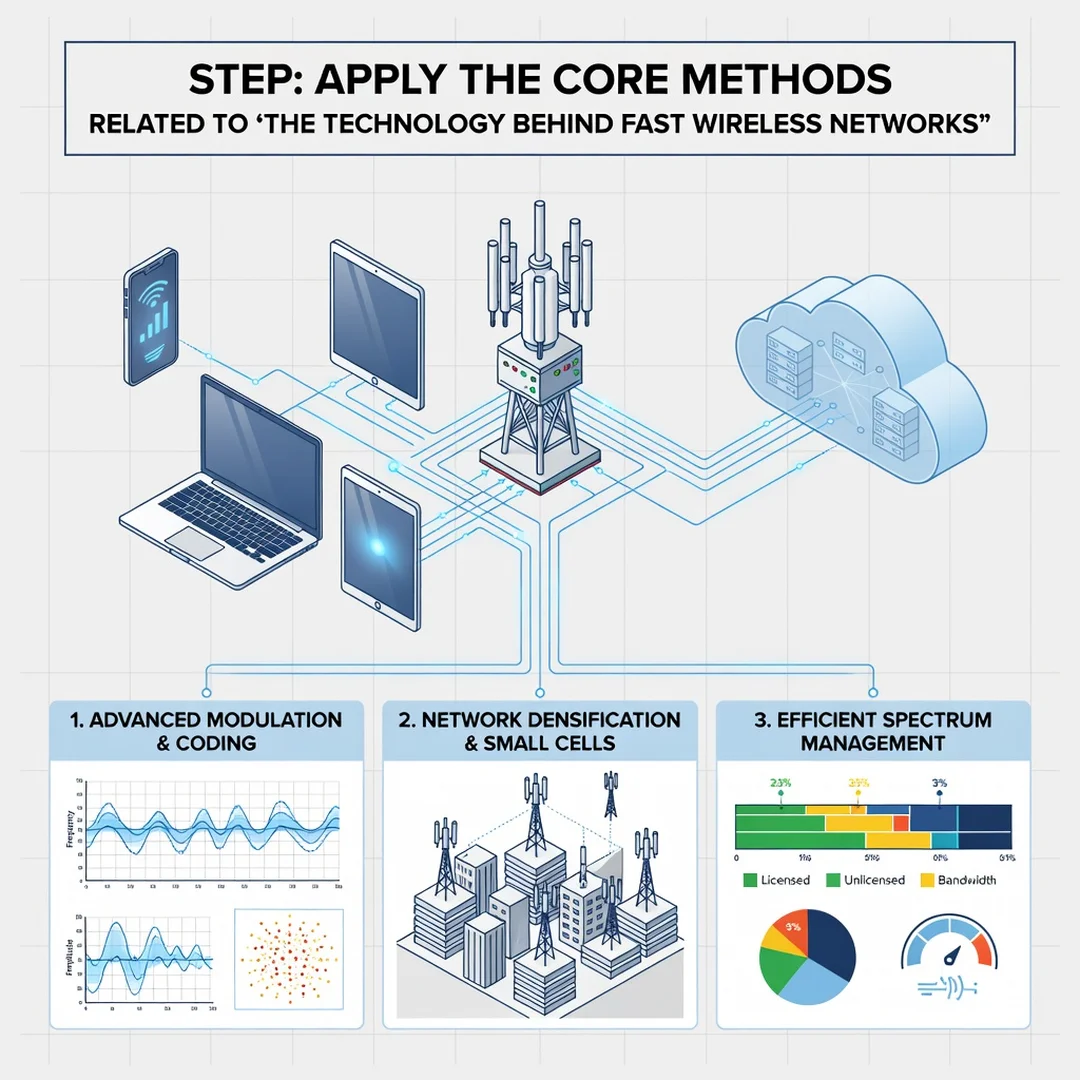
Step 5: Apply the core methods
Reposition hardware, separate bands, adjust channels, enable modern security, and add wired backhaul or access points where coverage is weak. Test after each change so you know exactly what helped and what did not.
FAQ
What should I know about The Technology Behind Fast Wireless Networks?
The most important takeaway is that speed depends on several layers working together: your internet plan, the router, the radio environment, and each connected device. No single upgrade guarantees results. Focus first on positioning and band selection, then consider a standards upgrade if your hardware is more than a few years old. Understanding these layers lets you troubleshoot logically rather than replacing equipment at random.
Who is this guide for?
This guide is for anyone who wants a faster, more reliable home or small-office wireless network without a technical background. It suits renters, homeowners, remote workers, and small business owners who want practical steps rather than jargon. If you can access your router settings page and run a speed test, you have enough knowledge to benefit from everything here.
Conclusion
Fast wireless networks are not magic; they are the predictable result of good physics, sensible hardware choices, and consistent maintenance. By understanding frequency bands, channel management, Wi-Fi generations, and the limits of your devices and internet plan, you gain the ability to diagnose problems and improve performance on your own terms. Start with measurement, set realistic goals, and make one change at a time. With reliable information and steady habits, your network will keep pace with everything you ask of it.
Frequently Asked Questions
What should I know about The Technology Behind Fast Wireless Networks?
This guide covers the essentials of The Technology Behind Fast Wireless Networks with practical steps you can apply right away.
Who is this guide for?
Anyone looking for a clear, structured overview without unnecessary complexity.
You now have a solid foundation for The Technology Behind Fast Wireless Networks. Apply the best practices above and revisit this guide as your needs evolve.