
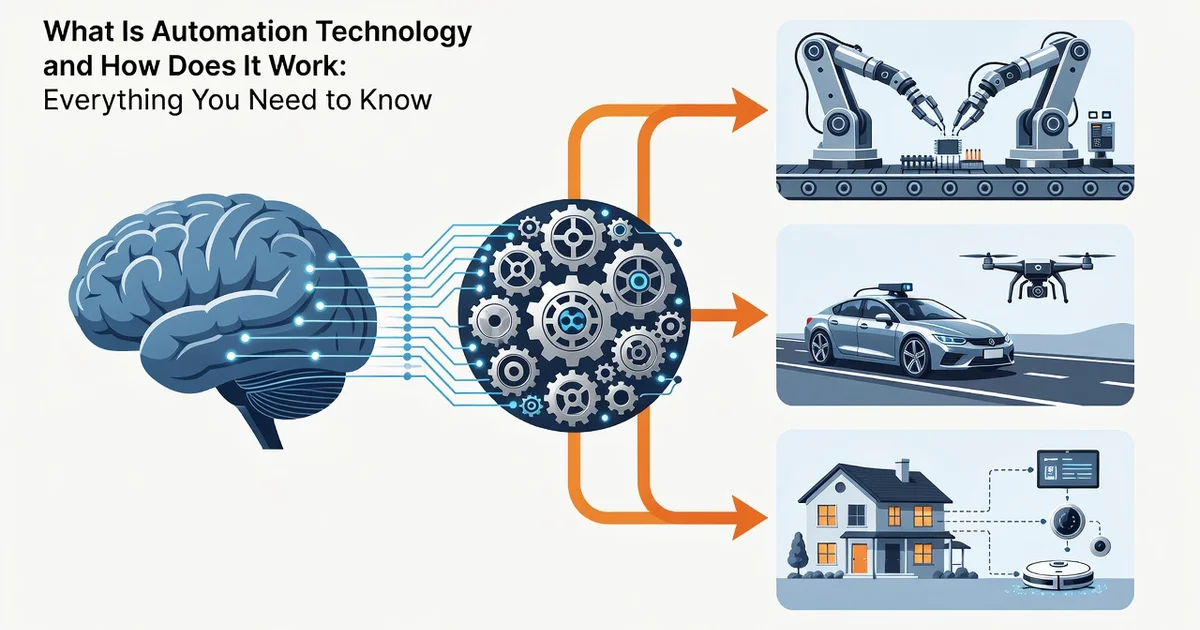
Automation technology is the use of systems, software, and machines to perform tasks with minimal human intervention. From scheduling your smart home lights to running complex manufacturing lines, it combines sensors, controllers, and programmed instructions to execute repetitive or precision-based work reliably.
Understanding how automation technology works helps you spot opportunities to save time, cut errors, and scale operations. In this guide, we break down the core components, common types, and practical steps to apply automation in everyday and business settings.
Introduction
Automation technology is the use of machines, software, and control systems to perform tasks with minimal or no human intervention. It is behind everything from assembly lines and smart thermostats to email filters and banking fraud detection. This article explores What Is Automation Technology and How Does It Work with clear, practical guidance, so you can recognize it in daily life, understand its mechanics, and decide where it fits in your own work or home.
The term covers a wide spectrum. At one end sits fixed automation, such as a conveyor belt that performs the same motion thousands of times per day. At the other end sits flexible automation and intelligent automation, where software adapts to new data, learns patterns, and makes decisions. Understanding the fundamentals of What Is Automation Technology and How Does It Work helps you make informed decisions, whether you are buying a robot vacuum, automating a spreadsheet, or redesigning a business process.
Key Concepts
Automation rests on a handful of core ideas that repeat across industries and scales. Once you recognize them, new systems become easier to evaluate.
- Sensors and inputs: Devices that collect data — temperature, position, keystrokes, images, or stock prices. Without reliable input, automation cannot respond correctly.
- Controllers and logic: The “brain” that decides what to do. This may be a simple relay, a programmable logic controller (PLC), or a software rule engine running in the cloud.
- Actuators and outputs: The physical or digital action — a motor turning, a valve closing, an email sent, or a payment approved.
- Feedback loops: Information about the result flows back to the controller, which adjusts future actions. Feedback is what separates automation from a simple one-way command.
- Levels of autonomy: From partial automation (a human still makes key decisions) to full automation (the system runs end to end).
Another key distinction is between deterministic and probabilistic automation. Deterministic systems follow fixed rules: if X, then Y. Probabilistic systems, often powered by machine learning, estimate the most likely outcome. Both are useful, but they carry different risks and require different oversight.
Deep Dive
To understand how automation technology actually works, follow the flow of a single task through a typical system.
First, a sensor or data source captures the current state of the world. A warehouse scanner reads a barcode; a website logs a visitor’s click; a thermostat measures room temperature. Second, that raw signal is converted into a usable format and sent to a controller. Third, the controller applies rules, algorithms, or trained models to decide on an action. Fourth, an actuator carries out the action — a robotic arm picks an item, a server sends a confirmation email, a heating unit turns on. Fifth, the result is measured, and the loop repeats.
Modern automation often layers software on top of hardware. Cloud platforms coordinate thousands of devices, dashboards report performance, and APIs let separate systems talk to each other. This is why automation has spread beyond factories into offices, hospitals, farms, and homes.
Reliability matters more than raw speed. A system that works 99 percent of the time still fails thousands of times per day at scale. That is why engineers build in error handling, fallback modes, and human escalation paths. Good automation does not remove people entirely; it moves them to higher-value tasks such as exception handling, maintenance, and improvement.
Costs also follow a predictable pattern. Upfront investment includes hardware, software, integration, and training. Ongoing costs include maintenance, subscriptions, and monitoring. The payoff usually comes from consistency, throughput, and reduced error rates rather than from dramatic labor savings alone.
Best Practices
Whether you are automating a personal workflow or an enterprise process, a few habits improve outcomes.
- Start with a clear problem. Automate a specific, repetitive, well-defined task before expanding.
- Document the current process. You cannot improve what you have not mapped. Note every step, decision, and exception.
- Design for failure. Include alerts, logs, and manual overrides. Assume something will break.
- Keep humans in the loop for high-stakes decisions. Medical, legal, and financial choices often need review.
- Measure before and after. Track time, cost, error rate, and satisfaction so you can prove value.
- Train the people involved. Automation changes roles. Clear training reduces resistance and mistakes.
- Review regularly. Processes change; automation should change with them.
Reliable information and consistent habits lead to better long-term outcomes. Small, well-monitored automations compound into significant gains over months and years.
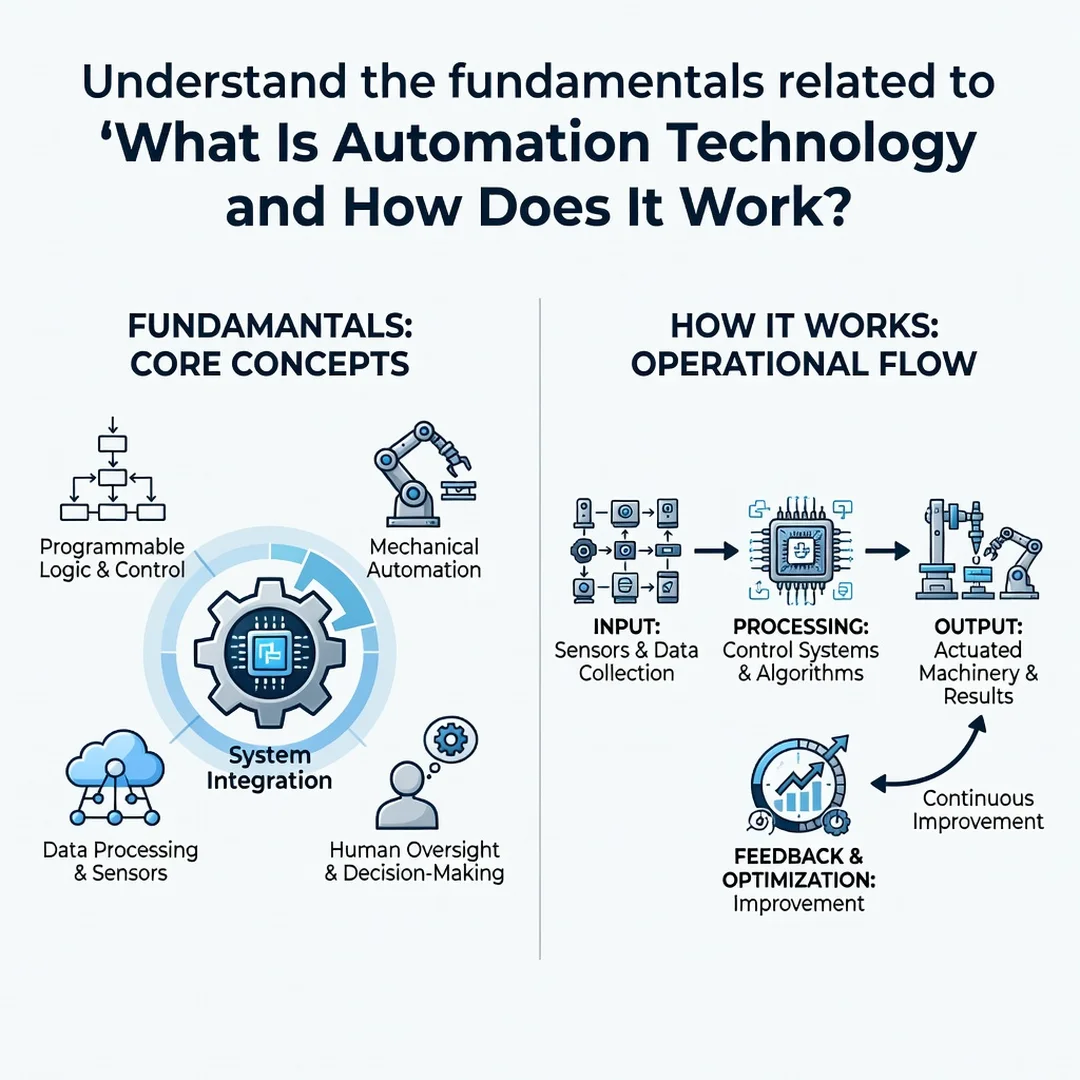
Step 1: Understand the fundamentals
Learn the basic vocabulary: inputs, controllers, outputs, and feedback. Identify one process in your life or work that repeats the same way each time. Write down each step and where a decision is made. This baseline knowledge prevents you from buying tools you do not need.
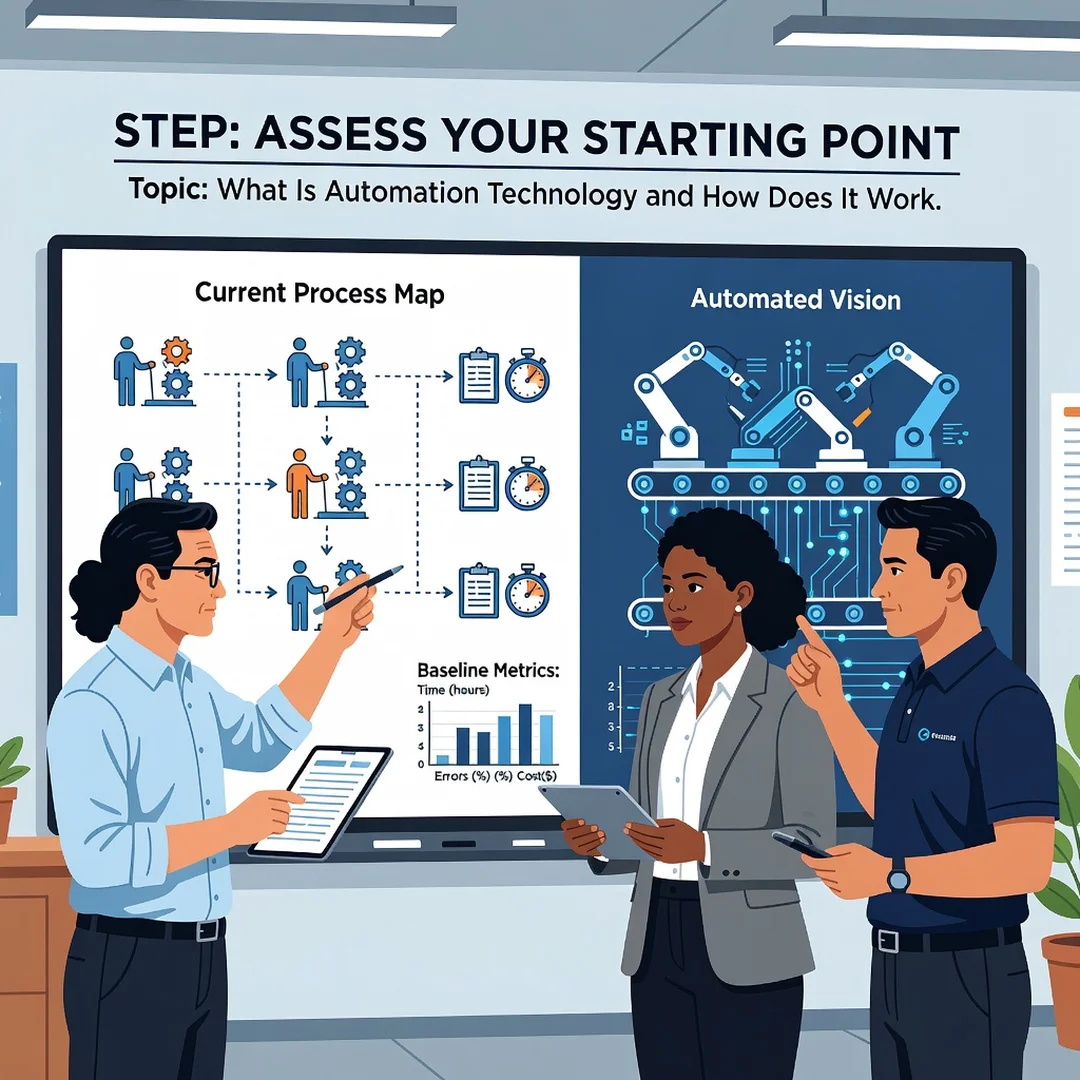
Step 2: Assess your starting point
Evaluate your current tools, skills, and budget. Do you already use spreadsheets, a smart home hub, or scheduling software? Note what works and what wastes time. Be honest about technical comfort level. A simple timer may solve a problem that a complex system would overcomplicate.
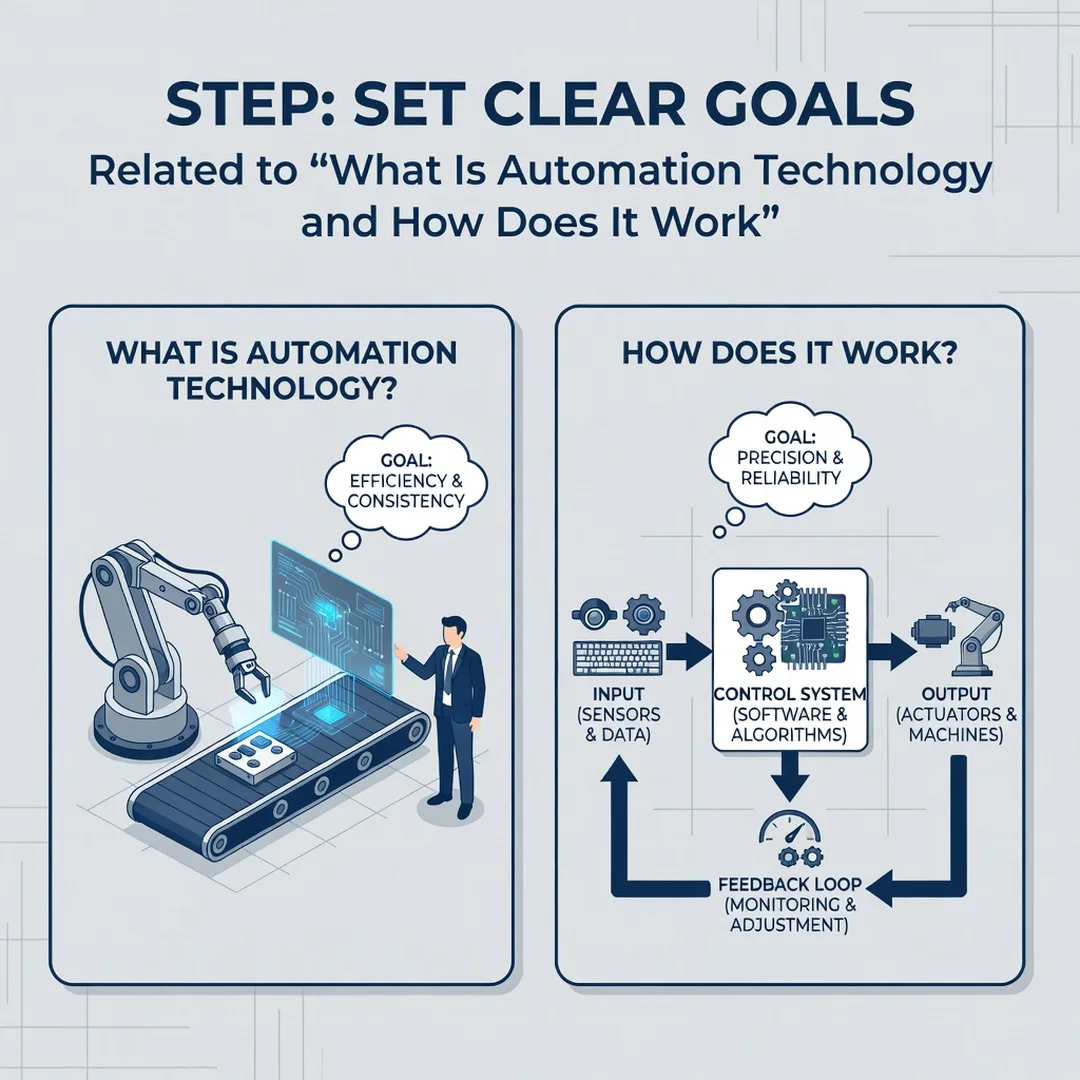
Step 3: Set clear goals
Define what success looks like in measurable terms. Examples: save three hours per week, reduce data-entry errors by half, or respond to customer inquiries within five minutes. Vague goals like “be more efficient” make it impossible to judge whether automation helped.
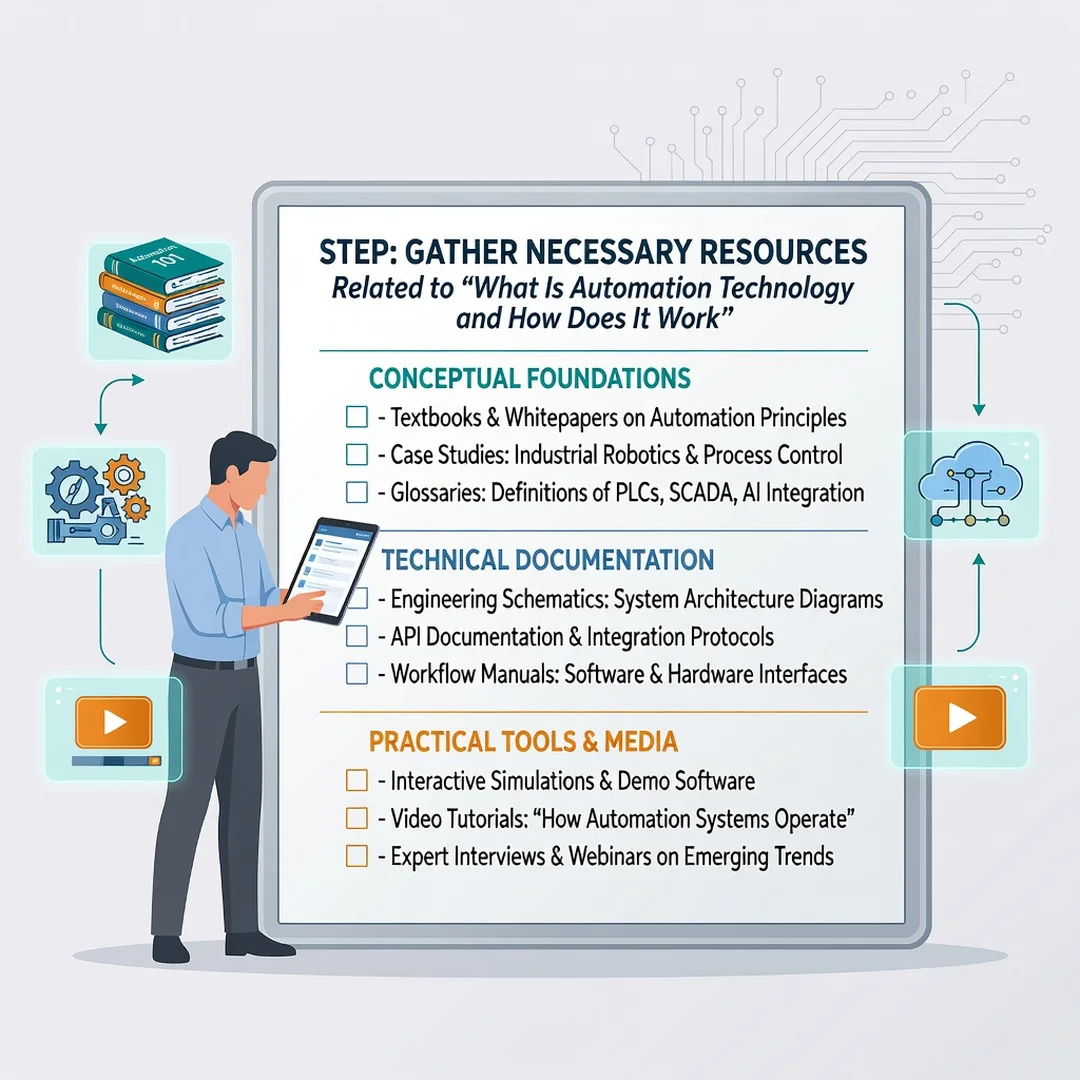
Step 4: Gather necessary resources
List the hardware, software, data, and people you need. This may include a subscription, a sensor kit, a developer, or simply a documented checklist. Confirm compatibility between tools before committing. Budget for training and maintenance, not just the initial purchase.
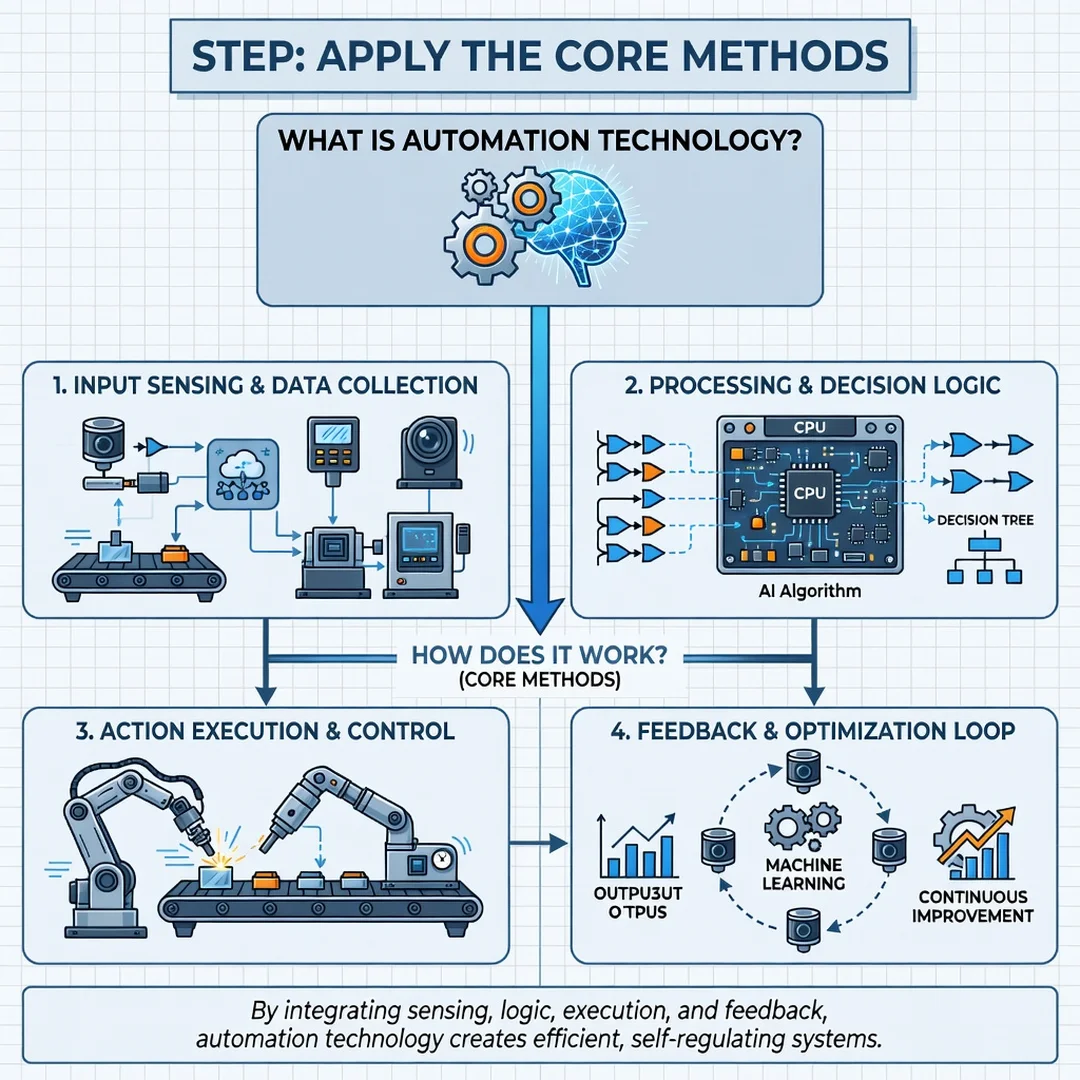
Step 5: Apply the core methods
Build or configure your automation in small stages. Test with a limited scope, watch the results, and fix issues before scaling up. Use feedback loops to refine rules. Once the system runs reliably, document how it works and set a schedule for review. Expand only after the first version proves stable.
FAQ
What should I know about What Is Automation Technology and How Does It Work?
At its core, automation technology uses sensors, controllers, and actuators to perform tasks with little human input. It ranges from simple rule-based systems to adaptive, learning systems. The most important thing to know is that automation is a tool for consistency and scale, not a magic fix. It works best on well-defined, repetitive tasks with clear feedback and good error handling.
Who is this guide for?
This guide is for anyone who wants a practical, jargon-free explanation of automation technology. That includes small business owners, office professionals, students, homeowners, and managers evaluating new tools. No technical background is required. The steps and best practices apply whether you are automating a personal routine or a workplace process.
Conclusion
Automation technology turns sensors, logic, and actuators into systems that run tasks reliably with minimal human effort. Understanding its key concepts — inputs, controllers, outputs, and feedback — helps you see where it fits and where it does not. By following the five steps, setting measurable goals, and applying consistent best practices, you can adopt automation in a way that improves outcomes over the long term. Start small, measure honestly, and expand only when the results prove themselves.
Frequently Asked Questions
What should I know about What Is Automation Technology and How Does It Work?
This guide covers the essentials of What Is Automation Technology and How Does It Work with practical steps you can apply right away.
Who is this guide for?
Anyone looking for a clear, structured overview without unnecessary complexity.
You now have a solid foundation for What Is Automation Technology and How Does It Work. Apply the best practices above and revisit this guide as your needs evolve.